
Ailytics raises US$7.4M Series ARead more

AI video analytics services for oil and gas facilities

AI video analytics services for oil and gas alert your team to red zone entry, people under suspended loads, smoke and fire, and missing PPE on existing CCTV.

Live in under 2 weeks on your existing cameras.

Trusted on 400+ projects in 15 countries

  • Changi Airport Group
  • Woh Hup
  • DHL
  • Obayashi
  • Laing O’Rourke
  • Land Transport Authority
  • Rogers-O’Brien Construction
  • NatSteel
  • 60–80% reduction in safety non-compliance
  • 50+ configurable safety, security and productivity use cases
  • <2 weeks to go live on the cameras you already own

What happens on site between patrols and permit checks?

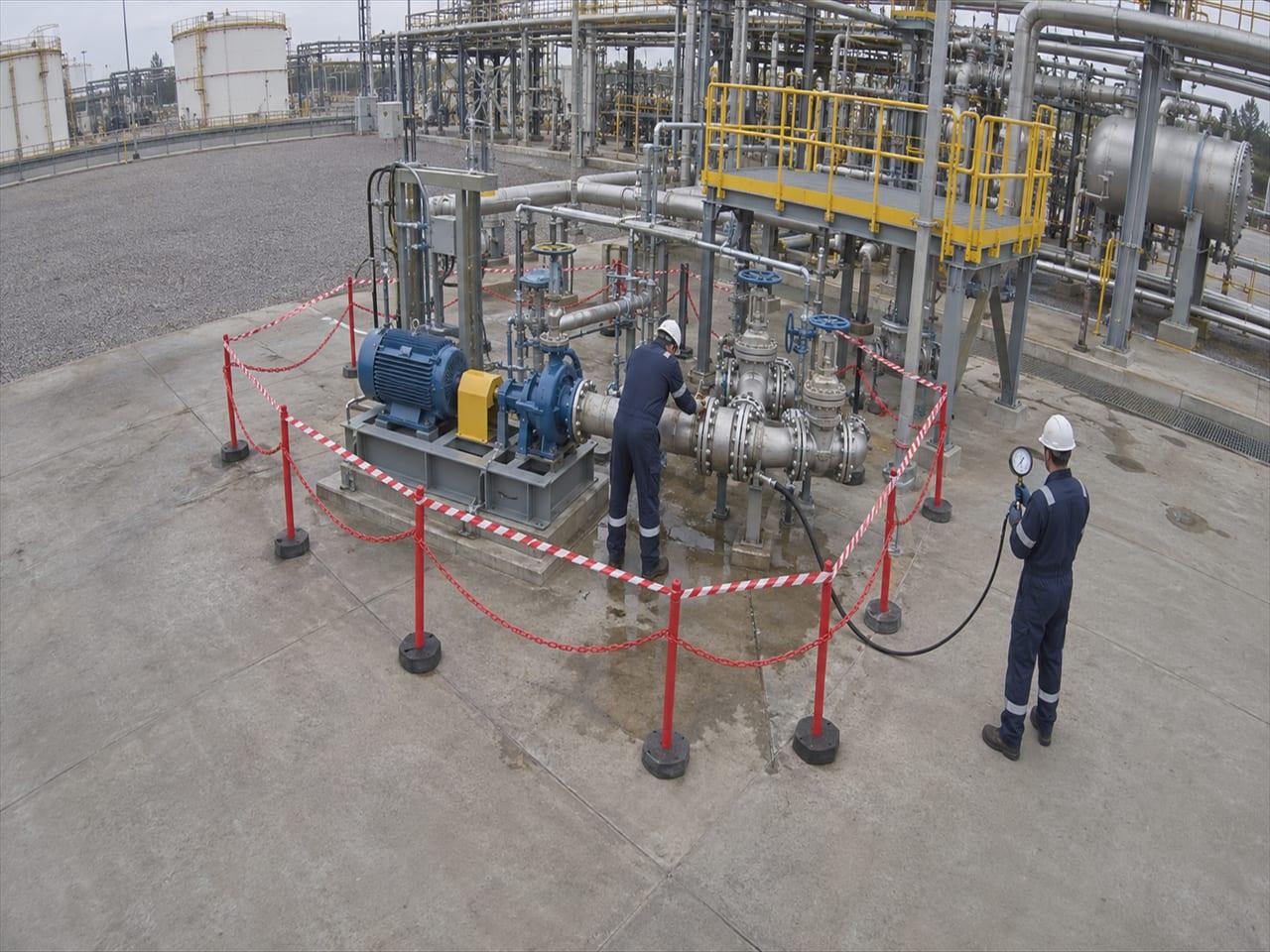
Refineries, terminals and gas plants run around the clock across units, tank farms and jetties. Permits and patrols set the controls, but no one can watch every job for the whole shift.

Safety alerts and equipment data from your facility's cameras

Ailytics connects to the cameras already installed across your facility. It flags people in red zones, under suspended loads and near moving vehicles, checks hot work, and detects smoke, fire, missing PPE and entry at unmanned sites. Alerts reach the shift team or control room with the frame, time and location. The same cameras record how much your cranes and forklifts work. Deploy on the edge, on-premise or in the cloud.

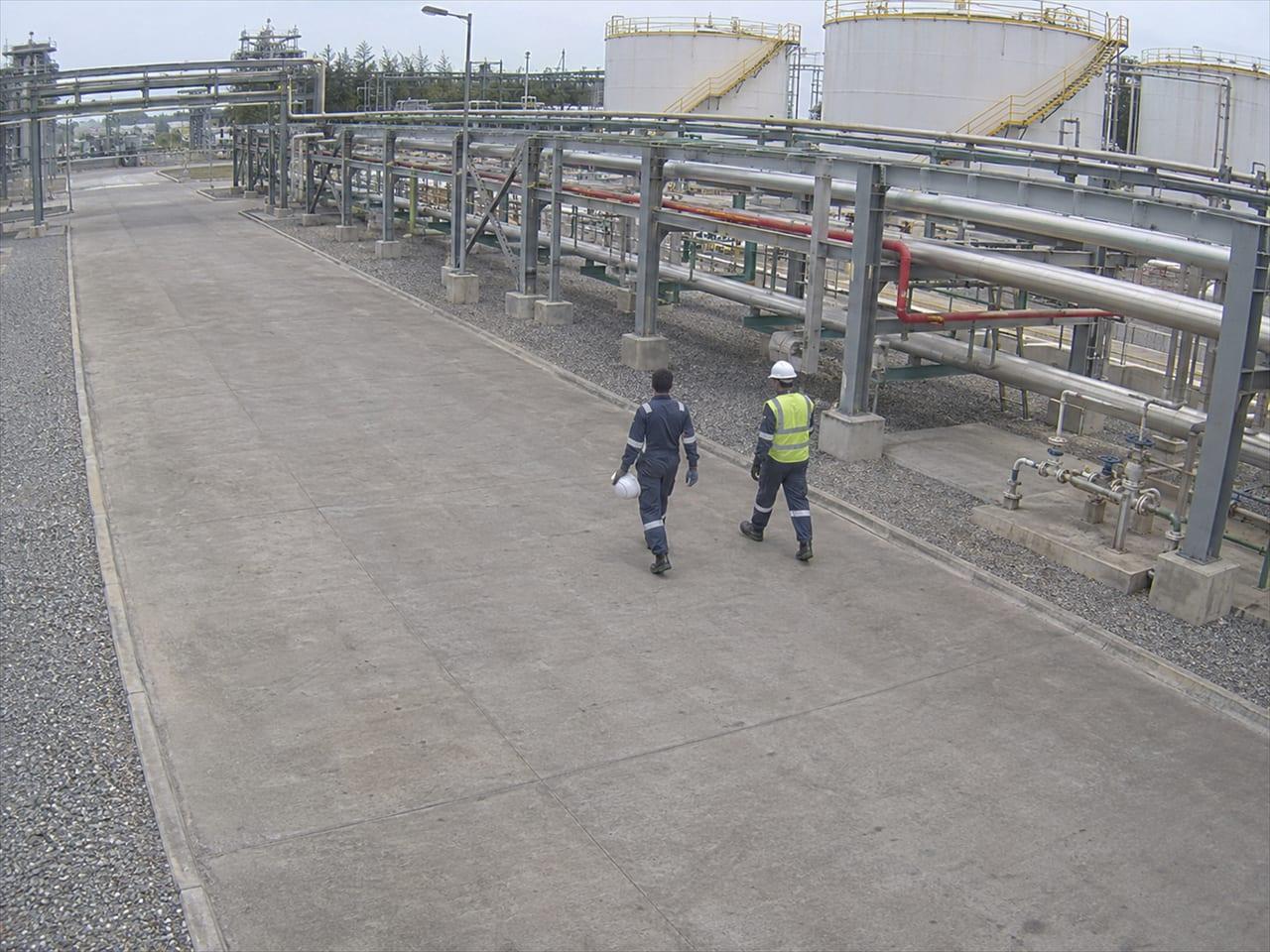
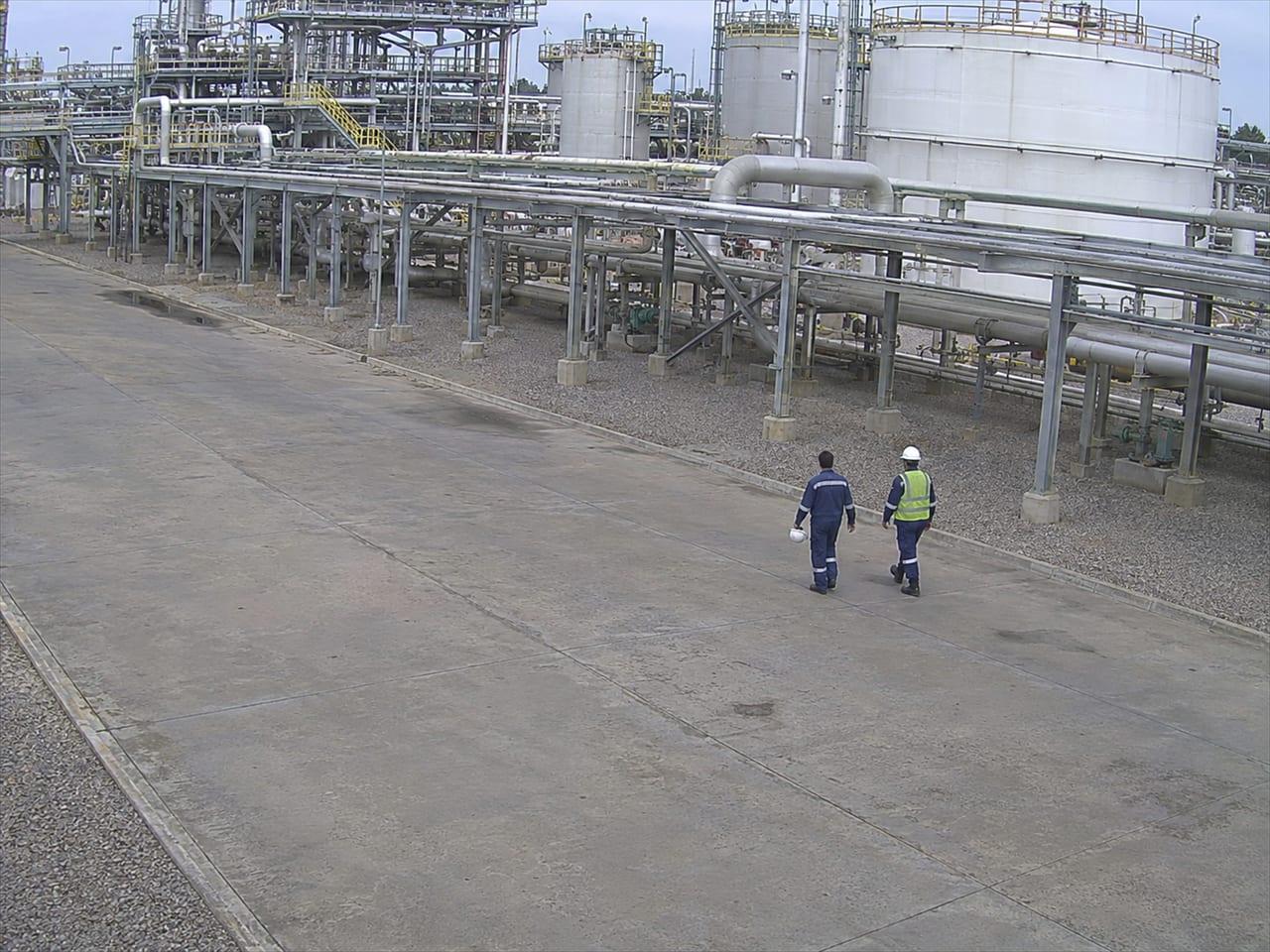
Camera over a road beside pipe racks and storage tanks: a worker carrying their hard hat flagged by Ailytics, next to a worker wearing a hard hat and vest.Missing hard hat
Cam 11 · Pipe rack road
Missing hard hat · Cam 11Pipe rack road · sent to the shift supervisor · 09:17
Resolved on siteHard hat on · checked 09:21
Most missed PPE: pipe rack roadMost missed hard hats on the afternoon shift, in the weekly report
  1. Detect the hazard

    Watch configured camera views for people in red zones, under suspended loads and close to moving vehicles, smoke and fire, and missing PPE.

  2. Warn the shift team

    Send supervisors and the control room the camera frame, time and location while the event is happening.

  3. Act on the evidence

    The supervisor reviews the alert and follows site procedures to address the hazard.

  4. Review and report

    Use recorded events in toolbox talks, contractor reviews and safety reports across your facilities.

AI video monitoring for oil and gas facilities

Start with line of fire risks: red zones, suspended loads and hot work. Add PPE, vehicle and site security checks, and track equipment usage on the same cameras.

Safety

Keep people out of red zones around live equipment

Draw red zones around pressure tests, line breaks and rotating equipment. Ailytics alerts the area authority when someone steps inside, with the frame, time and location.

  • Red zones you draw on each camera
  • Alert timing set by zone
  • Frame, time and location evidence
Safety

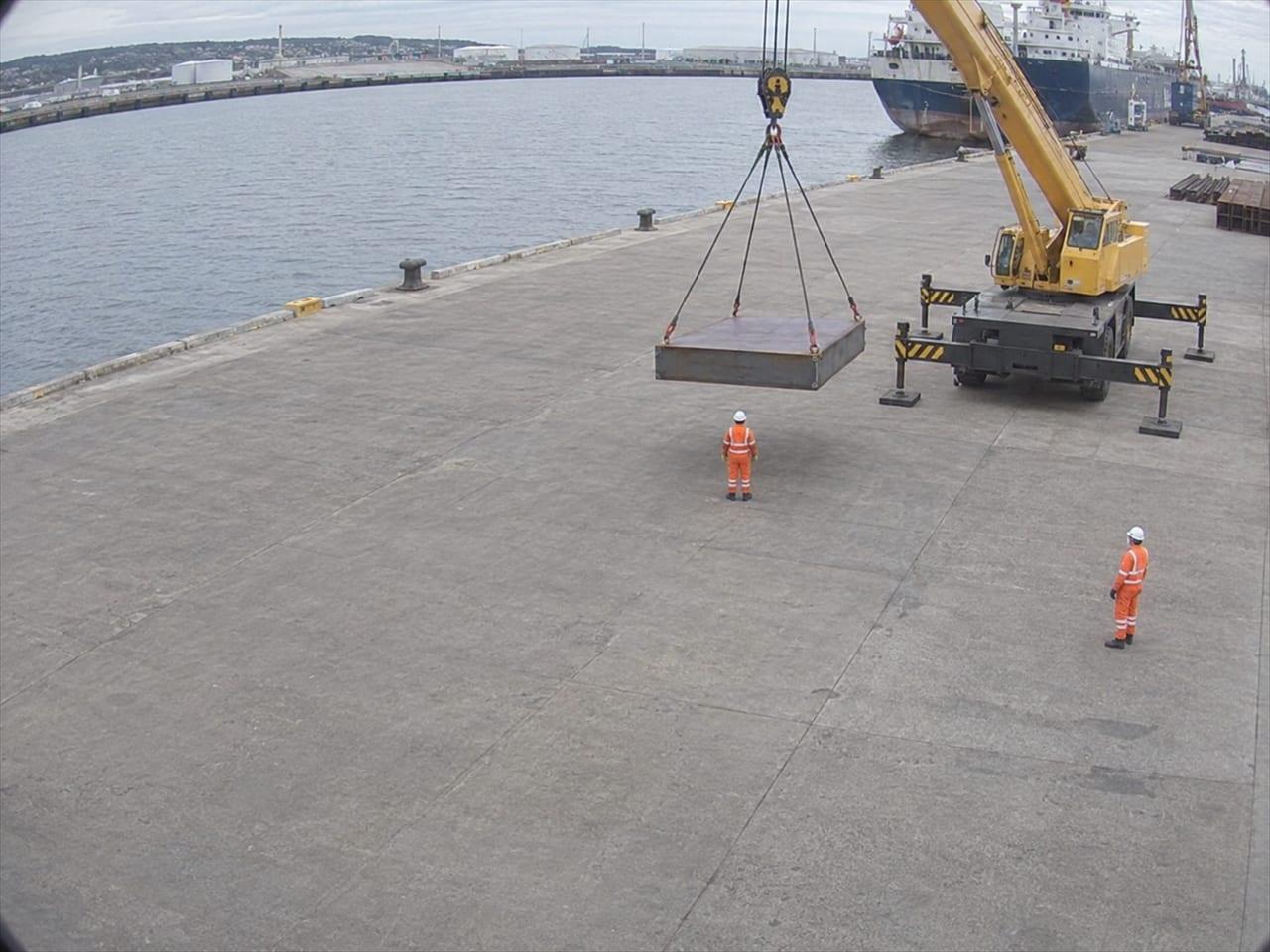
Catch workers under suspended loads

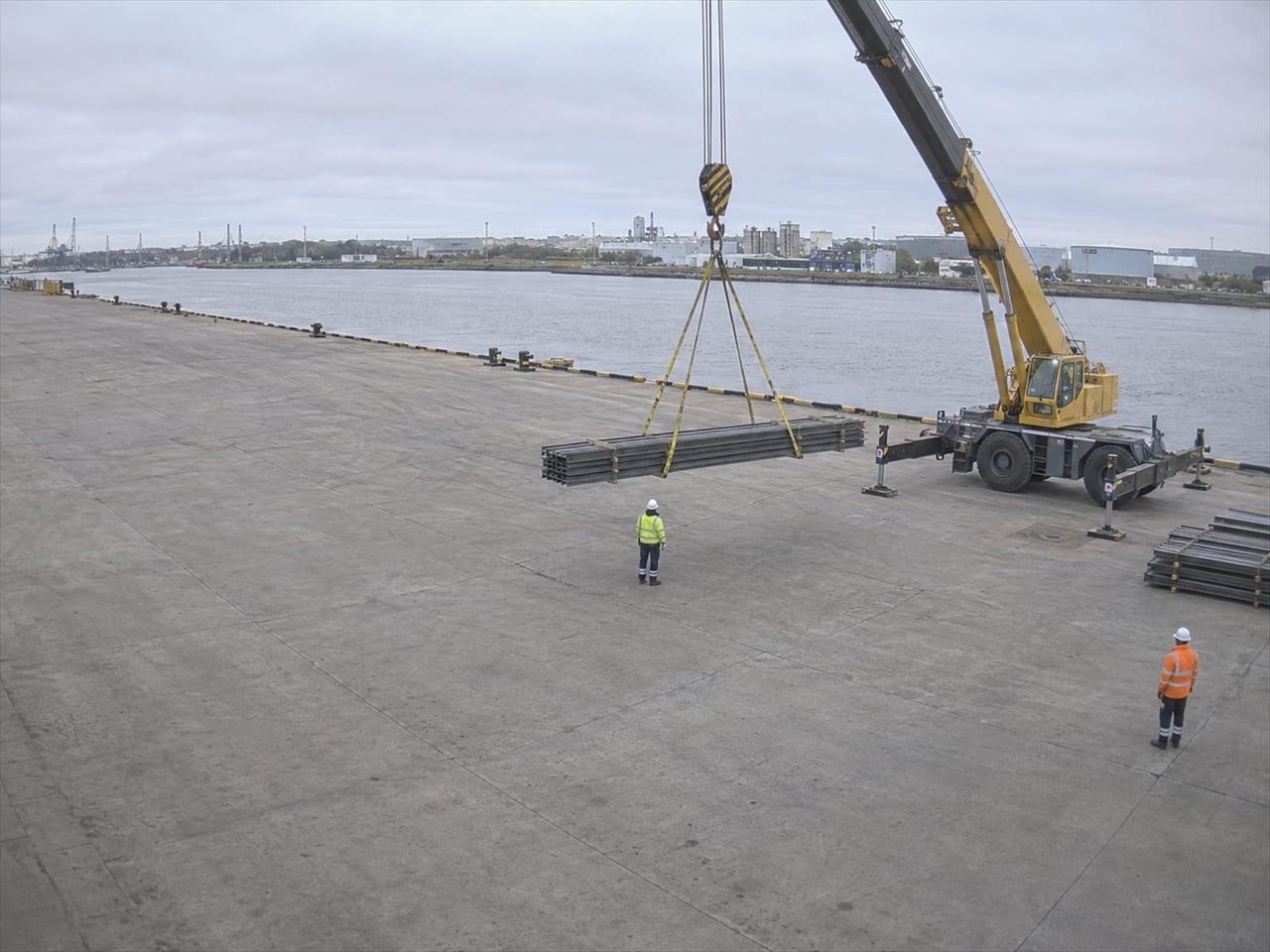
Ailytics projects the drop zone under a lifted load onto the ground from one camera, and flags workers whose feet are inside it. Use it for maintenance lifts, jetty work and turnarounds.

  • Drop zone projected on the ground
  • Checks where each worker stands
  • Alerts only while the load is moving

Safety

Check hot work and spot smoke and fire early

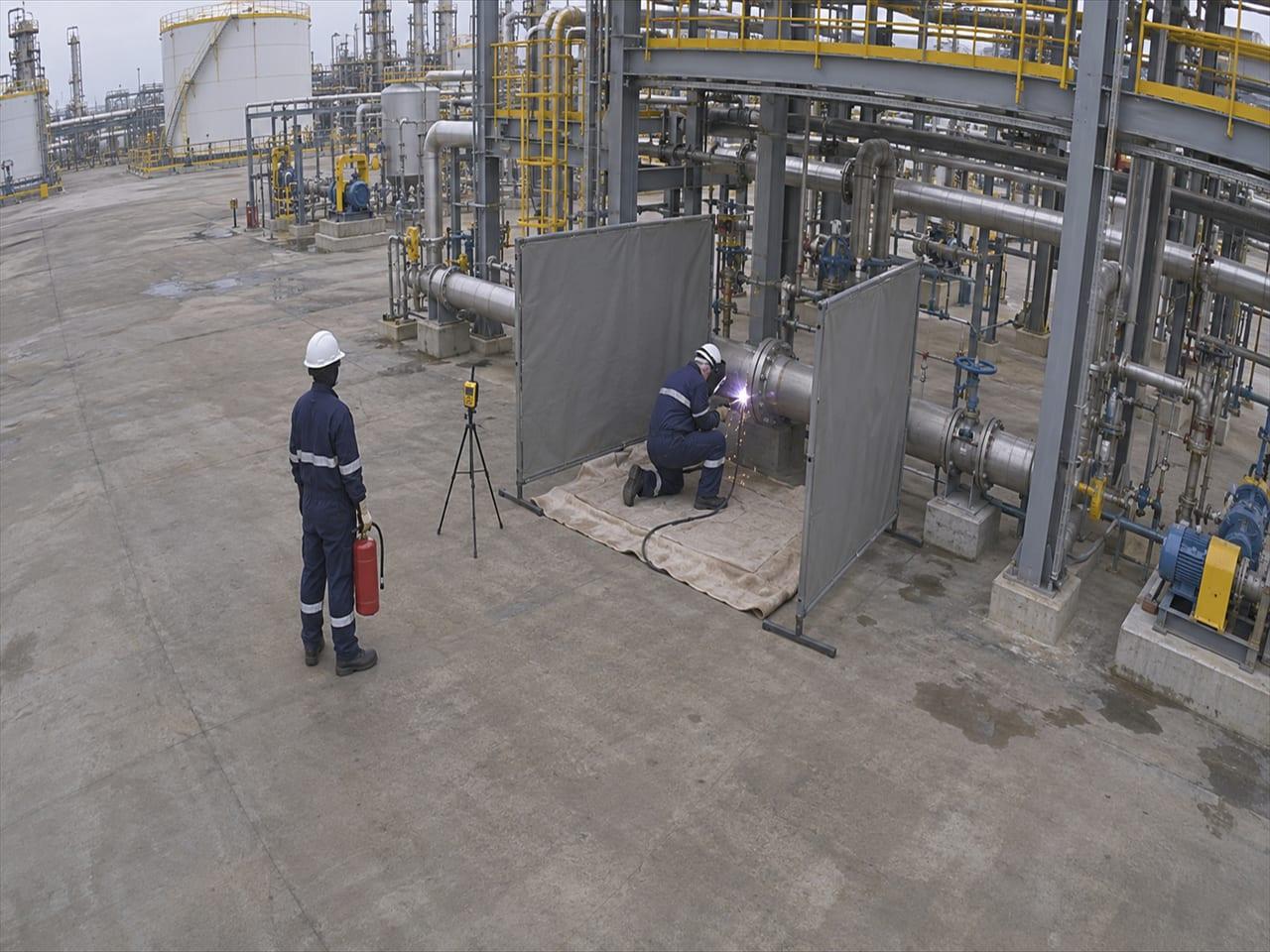
During hot work, check the controls a camera can see, such as a fire watch standing by and no one else in the work area. Smoke and fire detection runs on the same cameras, alongside your fire and gas systems.

  • Custom checks for your permit rules
  • Smoke and fire detection
  • Works alongside fire and gas systems

Safety

See where and when PPE goes missing

Detect missing hard hats, vests and gloves across the whole shift. Reports group the events by area and shift, so you can fix the jobs that make PPE hard to keep on.

  • Hard hat, vest and glove checks
  • Hotspots by area and shift
  • Trends to check each fix

Safety

Keep people clear of vehicles in yards and tank farms

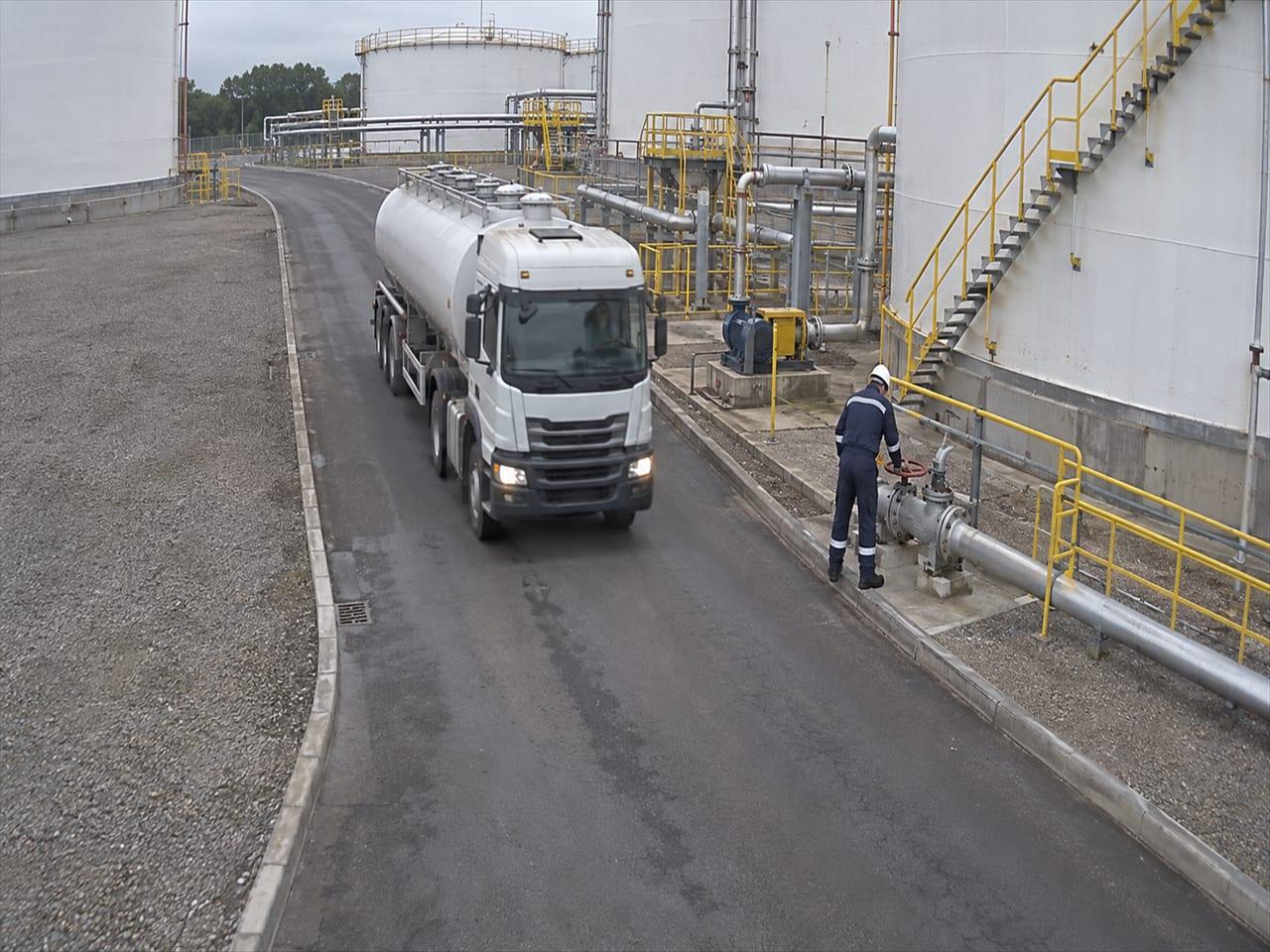
Measure the real distance between people and moving vehicles, such as road tankers and forklifts, from one camera. Supervisors are alerted when someone on foot gets too close.

  • Real distance from one camera
  • Distance set by area
  • Near-miss records by area

Security

Know when someone enters an unmanned site

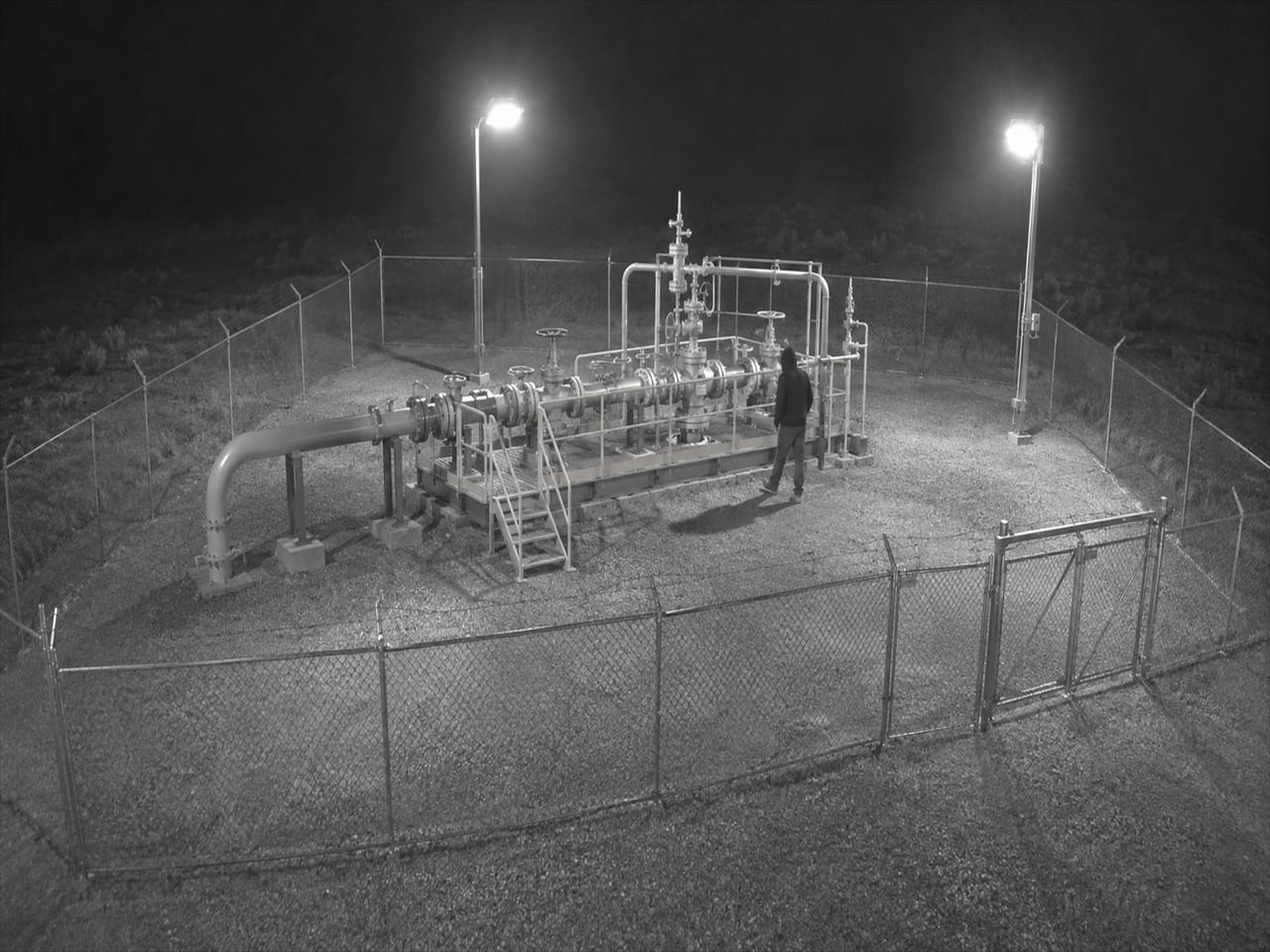
Draw zones inside the fence at wellpads and valve stations, and set the hours they apply. Ailytics works as an AI security guard for the site and alerts the control room when someone enters, with the frame, time and location.

  • Zones inside fences and gates
  • Schedules for unmanned hours
  • Alerts sent to the control room

Productivity

See how much your cranes and forklifts really work

Track working and idle time for cranes, forklifts and other mobile plant. Use real utilisation to size hire fleets for a turnaround and question the next lease.

  • Working and idle time per machine
  • Utilisation per day
  • Data for hire and lease decisions

Productivity

See which turnaround areas have people working

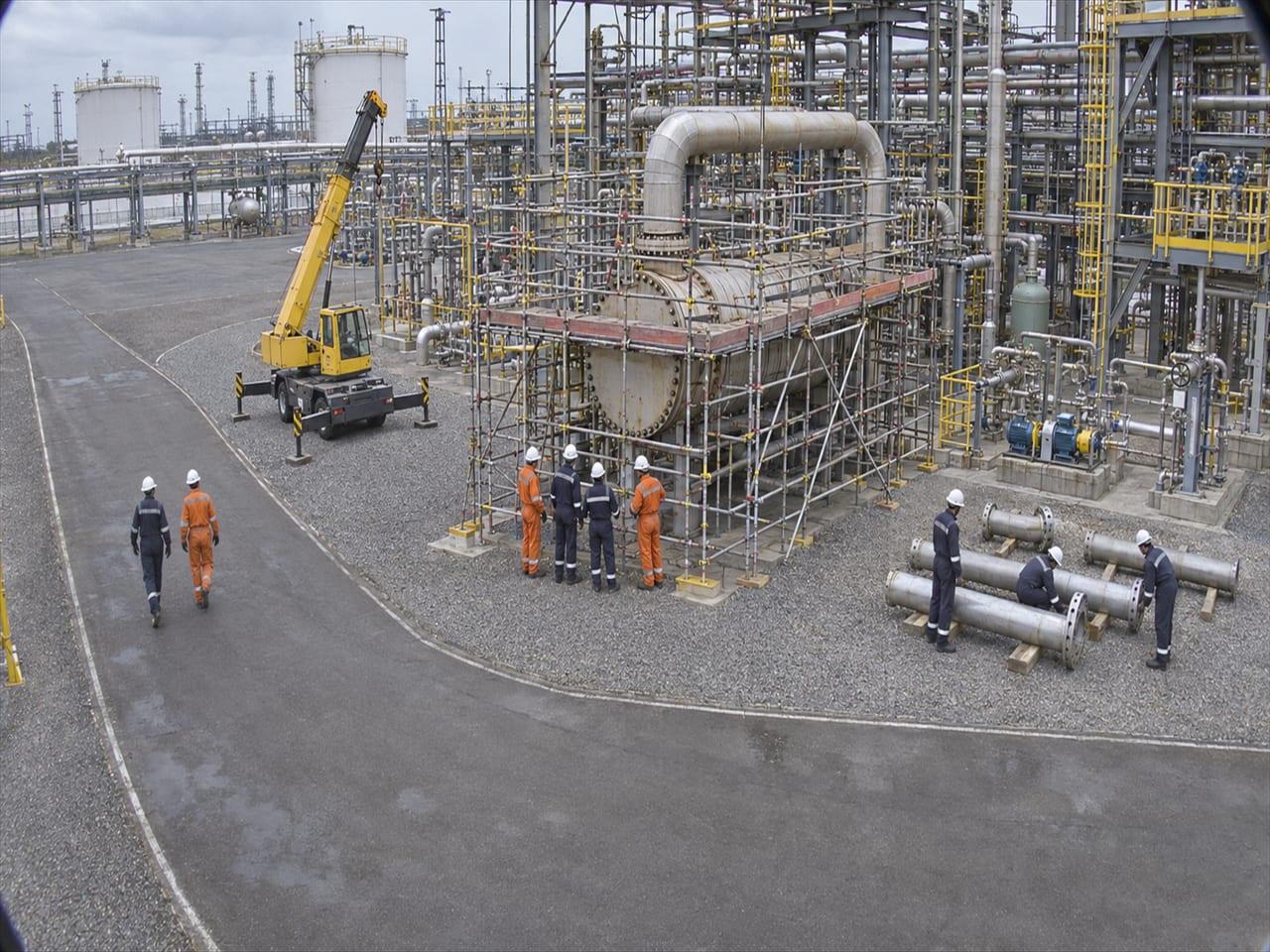
Count the people in each turnaround work area, such as scaffolds and laydown yards, to see which jobs are staffed and which are waiting. Counts are by area, and no one is identified.

  • Headcount by work area
  • Staffed and waiting jobs
  • No one identified

Frequently asked questions

Do we need new cameras for video analytics at an oil and gas facility?

Ailytics is software that connects to your existing IP cameras and recording systems through RTSP or ONVIF, the standard ways to connect to video feeds. In a demo, the team reviews your camera positions and the areas you want monitored.

What do Ailytics video analytics services include?

Ailytics provides the software, sets up the detections for each camera view with your team, and supports your site after go-live. Most sites go live in under 2 weeks on existing cameras. Choose from 50+ pre-built use cases, or combine detections, zones and alert timing for your own rules.

Does Ailytics detect gas leaks?

Ailytics detects what cameras can see, such as smoke and fire. It works alongside your fire and gas detection systems and does not replace them. Bring footage of a specific scenario to the demo and the team will assess it.

Does AI video monitoring for oil and gas facilities work at night and in bad weather?

Ailytics detection models are designed for harsh conditions, including low light, rain and dust. Results depend on what each camera can see, including obstructions and how large people or vehicles appear in the frame. Share footage from your site so the team can assess it.

What PPE can Ailytics detect at an oil and gas site?

Ailytics detects missing hard hats, vests and gloves in monitored camera views, and sends supervisors the frame, time and location. For other items, such as flame-resistant clothing or face shields, the team can assess your requirements in a demo. See the PPE detection page for more detail.

Can footage from an oil and gas site stay on our own network?

Yes. The Ailyssa detection engine runs on the edge, on-premise or in the cloud. An on-premise setup keeps video on site to meet data-residency and latency requirements. Ailytics is ISO/IEC 27001 certified, and your IT team can review storage, access and network requirements during the sales process.

Can Ailytics check that procedures are followed?

Yes, for steps a camera can see, such as a fire watch standing by during hot work or an attendant staying at a confined space entry. Ailyssa checks procedures that happen in sequence against your standard operating procedures, and flags steps that are skipped or out of order. Bring your site rules and footage to the demo to see which checks fit.

See Ailytics on your facility's cameras

Show us your camera setup and priority hazards, and we will show you the detections and reports that fit your units, tank farms and loading bays.

Request a demo