


Ailytics raises US$7.4M Series ARead more

AI security guard for airports, ports, and data centers

An AI security guard watches existing cameras at airports, ports, and data centers after hours and alerts your team when someone is where they should not be.

Live in under 2 weeks on your existing cameras.

Trusted on 400+ projects in 15 countries

  • Changi Airport Group
  • Woh Hup
  • DHL
  • Obayashi
  • Laing O’Rourke
  • Land Transport Authority
  • Rogers-O’Brien Construction
  • NatSteel
  • 400+ projects in 15 countries since 2019
  • 50+ configurable safety, security and productivity use cases
  • <2 weeks to go live on the cameras you already own

Where do guard patrols fall short on a large site?

A guard can only be in one place at a time. Fence lines, yards, and halls go unwatched between patrols, and the gaps are widest at night.

Watch every zone after hours on existing cameras

Ailytics watches the cameras you already own and detects a person or vehicle where it should not be. It alerts the people you choose with the frame, time, and location, and logs every event. Your team decides how to respond.

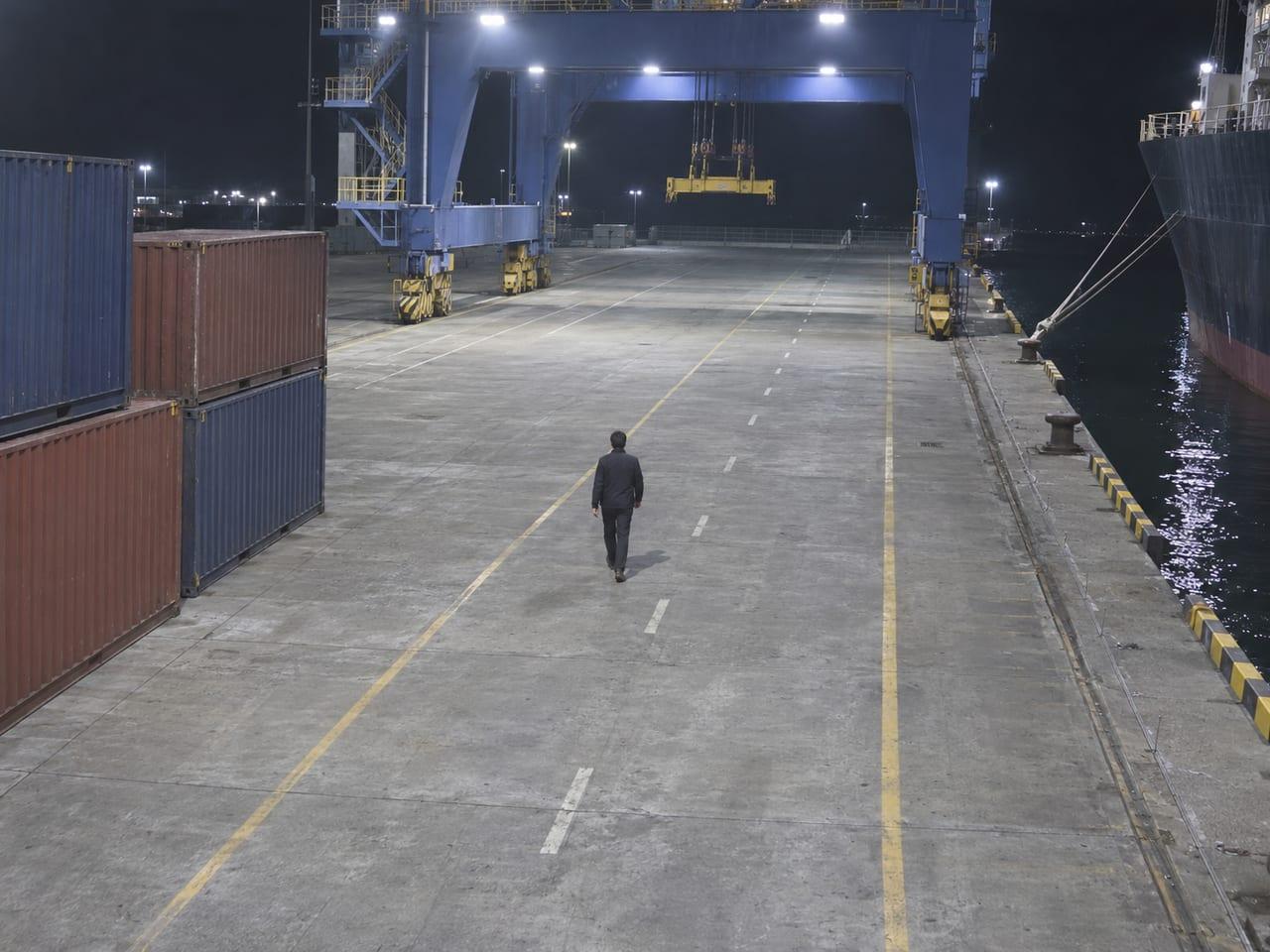
Illustrative night camera on a container port berth under a quay crane: a person walking across the empty quay apron after hours is flagged by Ailytics inside the berth's after-hours zone.Person in berth zone after hours
Cam 21 · Berth 3 · Illustrative
Person in berth zone · Cam 21Berth 3 · sent to the on-call officer · 02:14
Patrol dispatchedFrame, time and location attached · 02:16
Event logged for reviewKept with the frame for the incident report and audit
  1. Connect the cameras

    Connect the cameras already covering your property line, gates, halls, and yards.

  2. Detect what should not be there

    Flag a person in a zone that should be empty, a line crossed at the fence, a vehicle in the yard outside its hours, or someone in a restricted area past their access window.

  3. Notify with frame, time and location

    Send the on-call team the event evidence as it happens, so they can check the frame and respond.

  4. Log events for review

    Keep each event for incident reviews and audits.

AI security guard checks your team can act on

Draw the zones, set the hours, and choose who gets each alert. Every detection runs on the cameras you already have, alongside the safety checks your sites run during the shift.

Zone control

Set who may be in each zone, and when

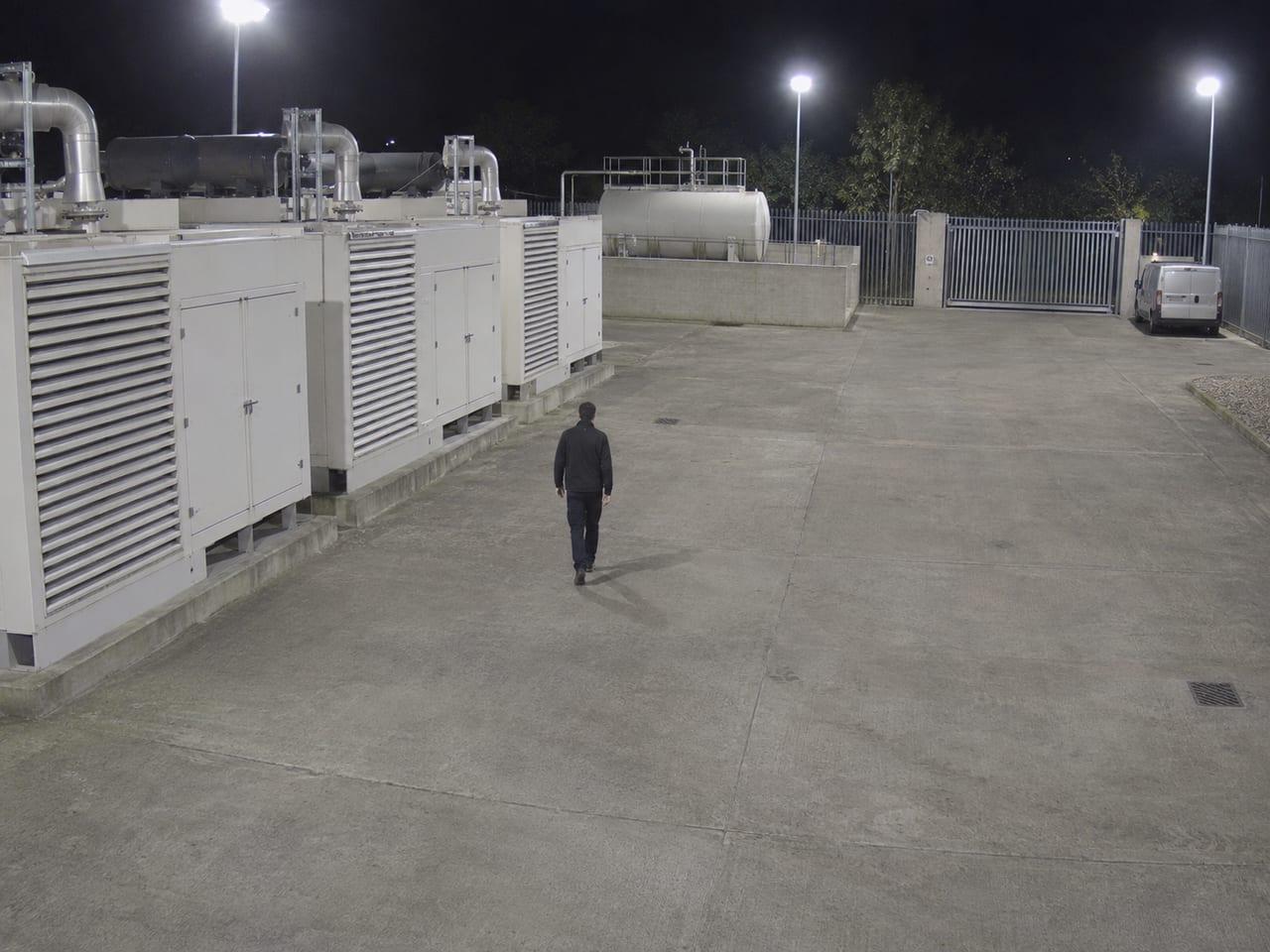
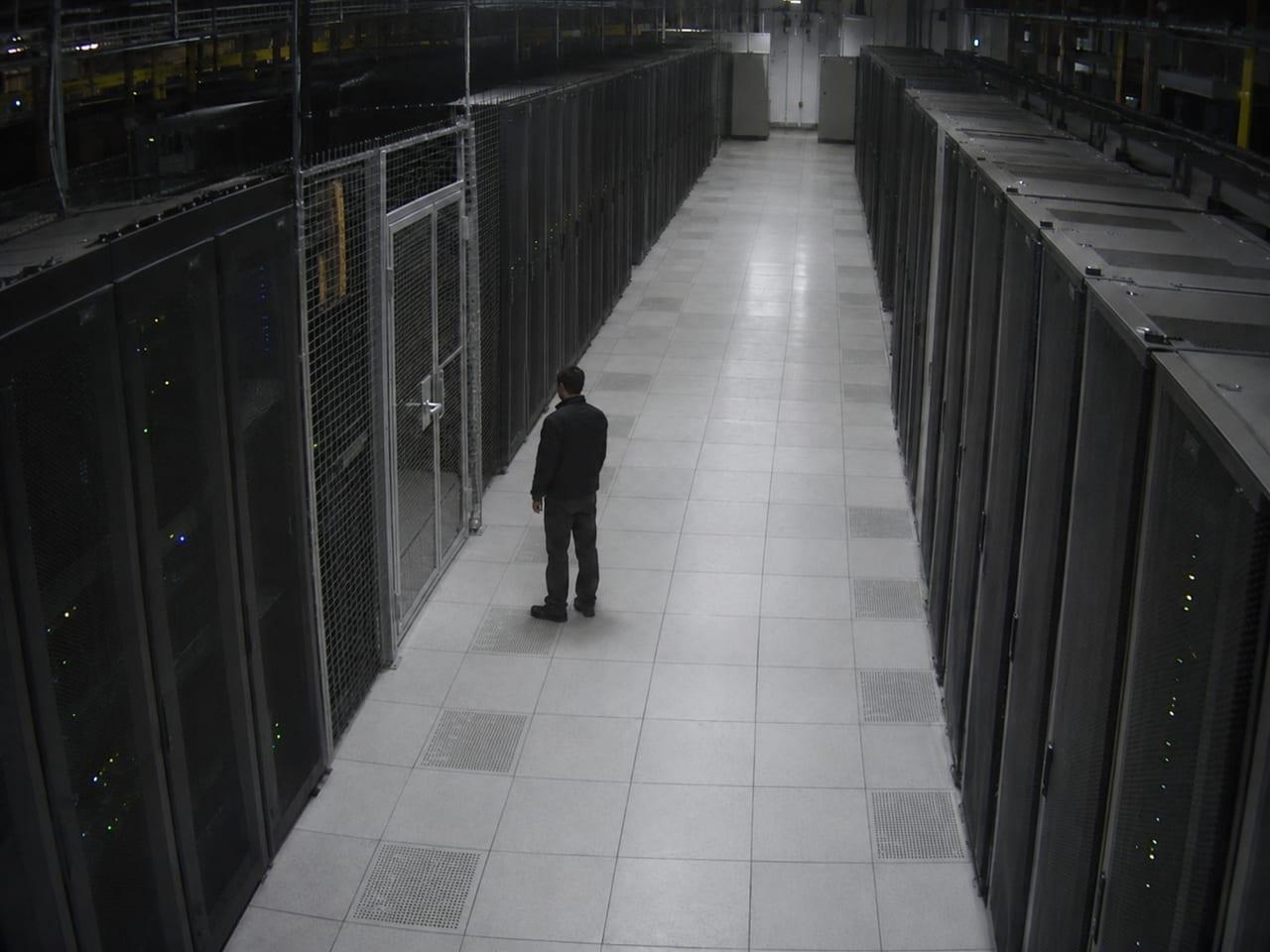
Draw zones on the cameras that already cover them, from the property line to the server cage. Set whether people and vehicles may be in each zone, and during which hours. A contractor still in the generator yard after their access window raises an alert, and so does a van in the compound outside its hours.

  • No-access and exclusion zones
  • Access breaches
  • Time limits for people and vehicles

After-hours presence

Spot people and vehicles where there should be none

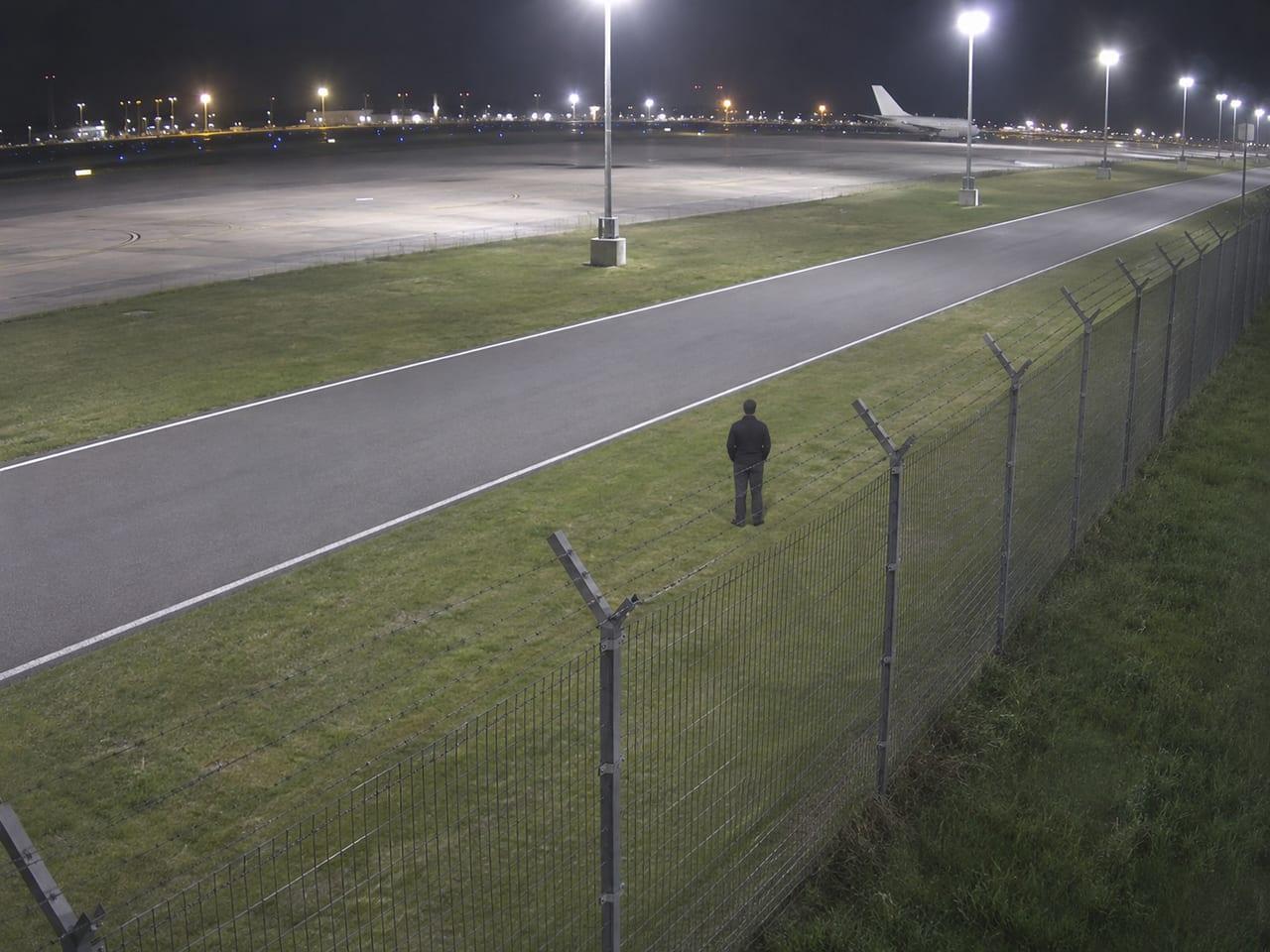
Watch the halls, berths, and yards that should be empty after hours. Set an occupancy limit of zero for a closed hall, or use loitering detection to set a time limit at the fence that is longer than a delivery takes. Ailytics alerts when the count or the wait goes over.

  • Loitering detection
  • Occupancy limits
  • Unattended objects

Weapon detection

Flag a brandished weapon at the gate or in the parking lot

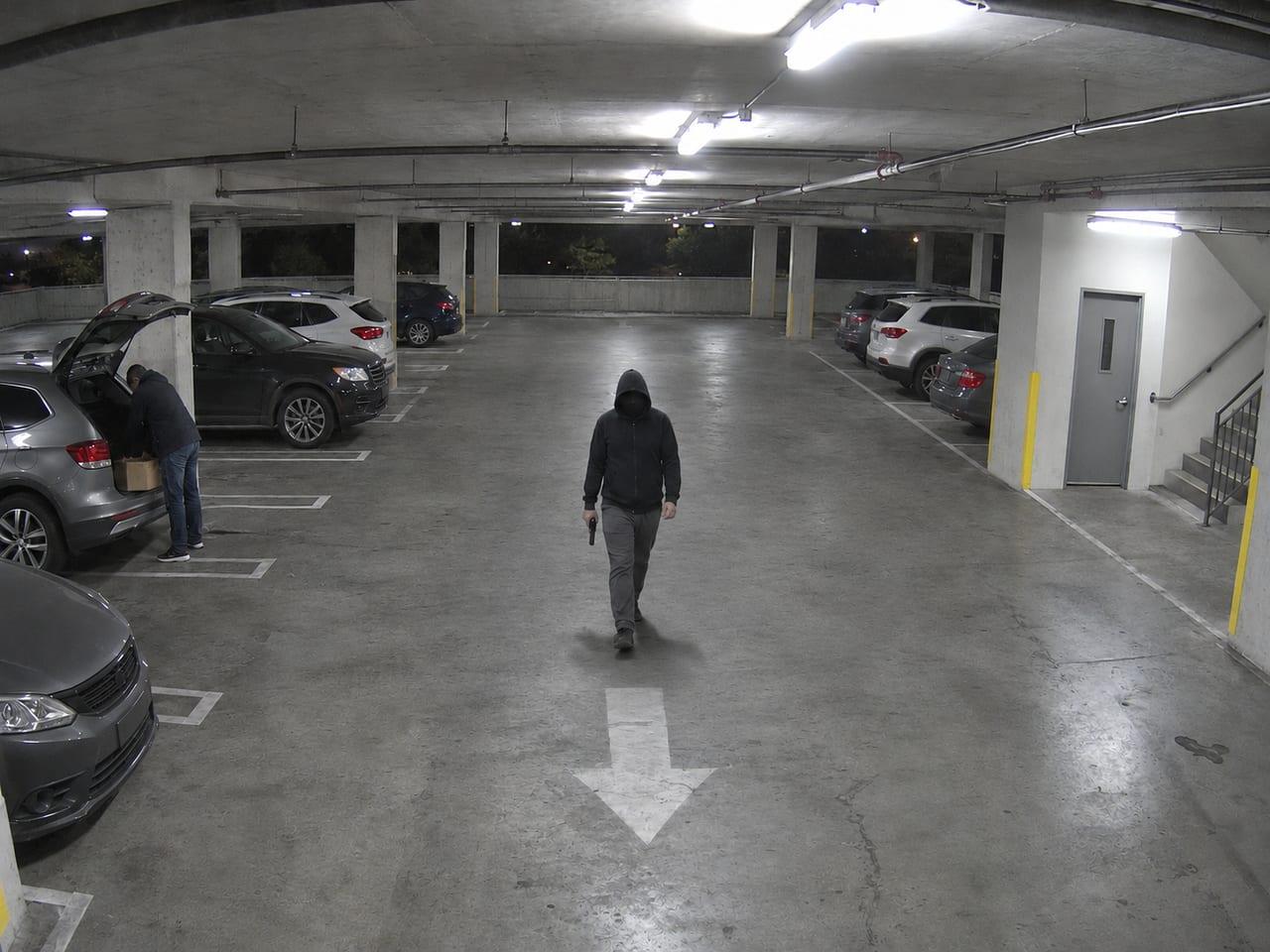
Add AI weapon detection to the cameras covering your gates, parking lots, and public areas. Ailytics flags a visibly brandished firearm or other dangerous object and sends the frame to your team in the same queue as every other alert. A grace period means the object has to stay in view across several frames before an alert fires.

  • Firearms and dangerous objects
  • Grace period across several frames
  • Same alert queue as zone alerts

Safety and security

Run security and safety on the same cameras

A terminal yard is busy with heavy machinery during the shift and has to be secured after it. Ailytics runs restricted zones after hours, and fire and smoke, water hazard, and machinery proximity checks during the shift, on the same cameras. Your team works from one dashboard and one alert queue for both.

  • Same cameras day and night
  • One alert queue
  • One dashboard

Deployment

Keep video on your own network

Connect the cameras you already own and run the Ailyssa detection engine on edge devices, on-premise servers, or in the cloud. With edge or on-premise deployment, video stays on your network, so your IT team can confirm where video is stored before rollout.

  • Edge, on-premise, or cloud
  • ISO/IEC 27001 certified
  • Face and body blurring

Frequently asked questions

What is an AI security guard?

An AI security guard is software that watches your security cameras and alerts a person when it detects something that should not be there. Ailytics watches your existing cameras across an airport, port, or data center site, detects a person or vehicle where it should not be, and alerts the people you choose with the frame, time, and location. It combines checks such as restricted zones, occupancy limits, and loitering detection, and your team decides how to respond.

Does an AI security guard replace security guards?

No. It watches the cameras between patrols, from the empty halls at night to the far end of the fence line, and sends each event to a person. People keep the work that needs a person, including access decisions, physical intervention, first aid, escorts, and the judgment on every alert. Ailytics detects, notifies, and documents. It cannot detain, search, or escort anyone, and it cannot see past its cameras.

Will an AI security guard work on the cameras we already have?

Yes. Ailytics connects to existing IP cameras and compatible recording systems through RTSP or ONVIF, the standard way cameras from different brands share video, so you do not replace cameras. Detection needs a person or vehicle to be visible and large enough in the frame, so a wide-angle camera on a long fence may only cover the near part of its view. Bring your camera list and some night footage to the demo for a view-by-view assessment.

What happens when an AI security guard detects someone after hours?

Ailytics sends the alert as it happens to the people you name for that zone, such as the on-call officer, the control room, or a patrol lead, on phone or dashboard. The alert carries the event frame, time, camera, and location, and the event is logged. A person checks the frame and decides the response, such as sending a patrol, calling the police, or taking no action. Name who owns the response for each zone before go-live.

Can an AI security guard support security audits?

It gives you a record of the monitoring. Ailytics logs every zone event with the frame, time, and camera: a person entering a restricted zone, someone staying past a timed access window, or a hall going over its occupancy limit. That record can support the evidence your auditor asks for under ISO/IEC 27001, SOC 2, or PCI DSS. Whether a control is met is your auditor's decision, and Ailytics does not certify it on your behalf.

How does it avoid false alarms from wildlife, shadows, and shift-change traffic?

With settings tuned for each camera view. The models detect people and vehicles specifically, which cuts alerts from animals and floodlight shadows, and they are conditioned for harsh conditions, including low light and rain. Zones are drawn per view, a grace period stops someone crossing a zone in transit from raising an alert, and a cooldown means one person raises one alert. Schedules can keep a yard zone off during shift change.

Can video stay on our own network?

Yes. The Ailyssa detection engine runs on edge devices, on-premise servers, or in the cloud. With edge or on-premise deployment, video stays on your network. Faces and bodies can be blurred while detection continues. Ailytics is ISO/IEC 27001 certified, and your IT team can review storage, access, and network needs before rollout.

Can the same cameras cover safety during the day?

Yes. The cameras that watch the perimeter after hours can run safety checks during the shift. At ports and terminals, that includes fire and smoke, water hazards, people close to moving machinery, and people under suspended loads during crane lifts. The same cameras can also flag a brandished firearm with AI weapon detection. Every alert lands in the same queue. Ailytics has 50+ configurable use cases, and you can build custom ones for site-specific rules.

See an AI security guard on your site

Bring your CCTV views and the zones you need watched after hours. See which areas your cameras cover and how each alert would reach your team.

Request a demo