







Ailytics raises US$7.4M Series ARead more

AI weapon detection for airports, ports, and critical infrastructure

AI weapon detection spots a brandished firearm on your existing CCTV at airports, ports, and critical sites, and alerts security with the frame and location.

Live in under 2 weeks on your existing cameras.

Trusted on 400+ projects in 15 countries

  • Changi Airport Group
  • Woh Hup
  • DHL
  • Obayashi
  • Laing O’Rourke
  • Land Transport Authority
  • Rogers-O’Brien Construction
  • NatSteel
  • 400+ projects in 15 countries since 2019
  • 50+ configurable safety, security and productivity use cases
  • <2 weeks to go live on the cameras you already own

Where do screening and CCTV monitoring fall short?

A brandished weapon can be on camera for only a few seconds. If nobody is watching that feed, the response only starts when someone calls it in.

Detect brandished weapons across existing cameras

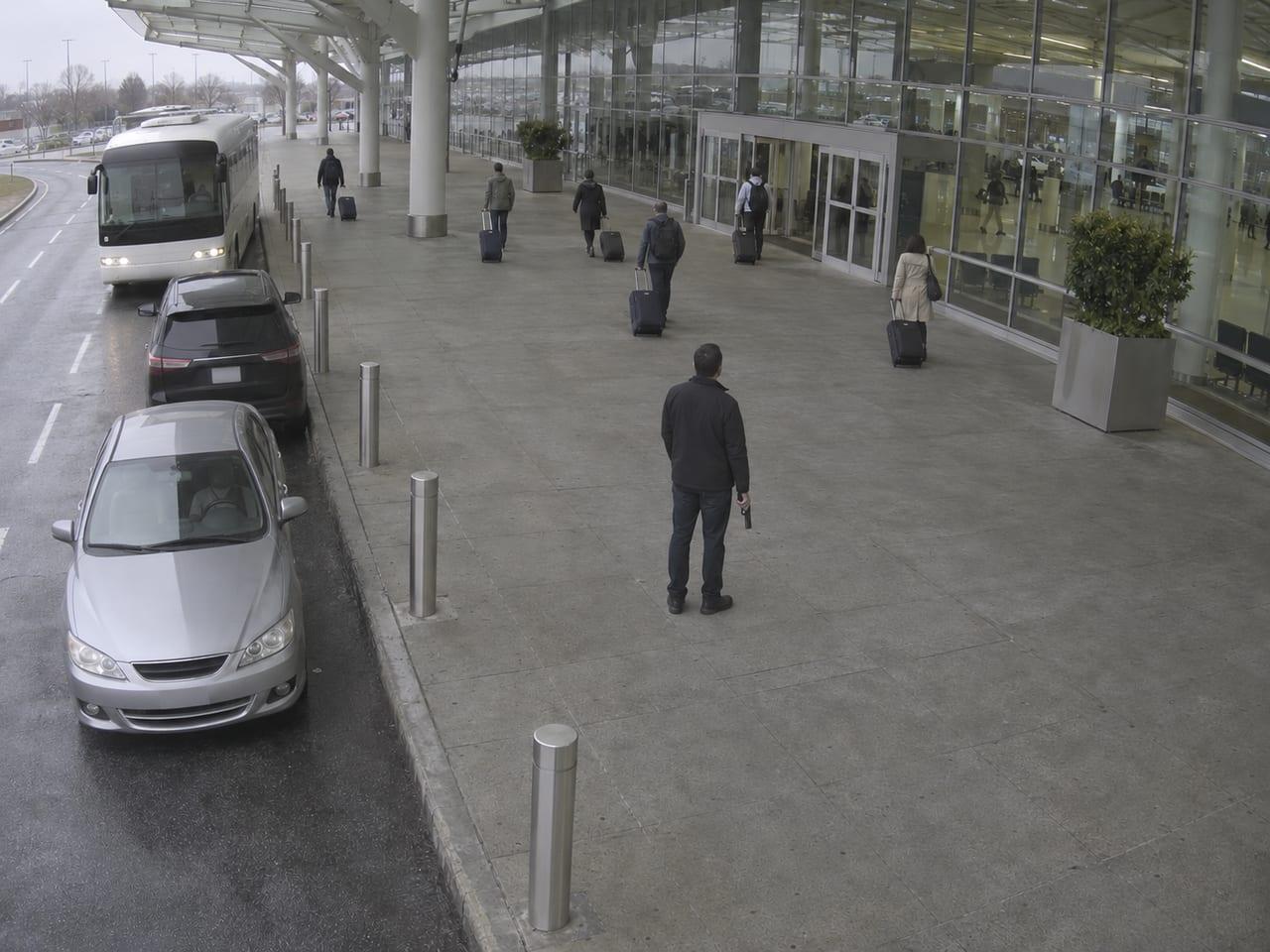
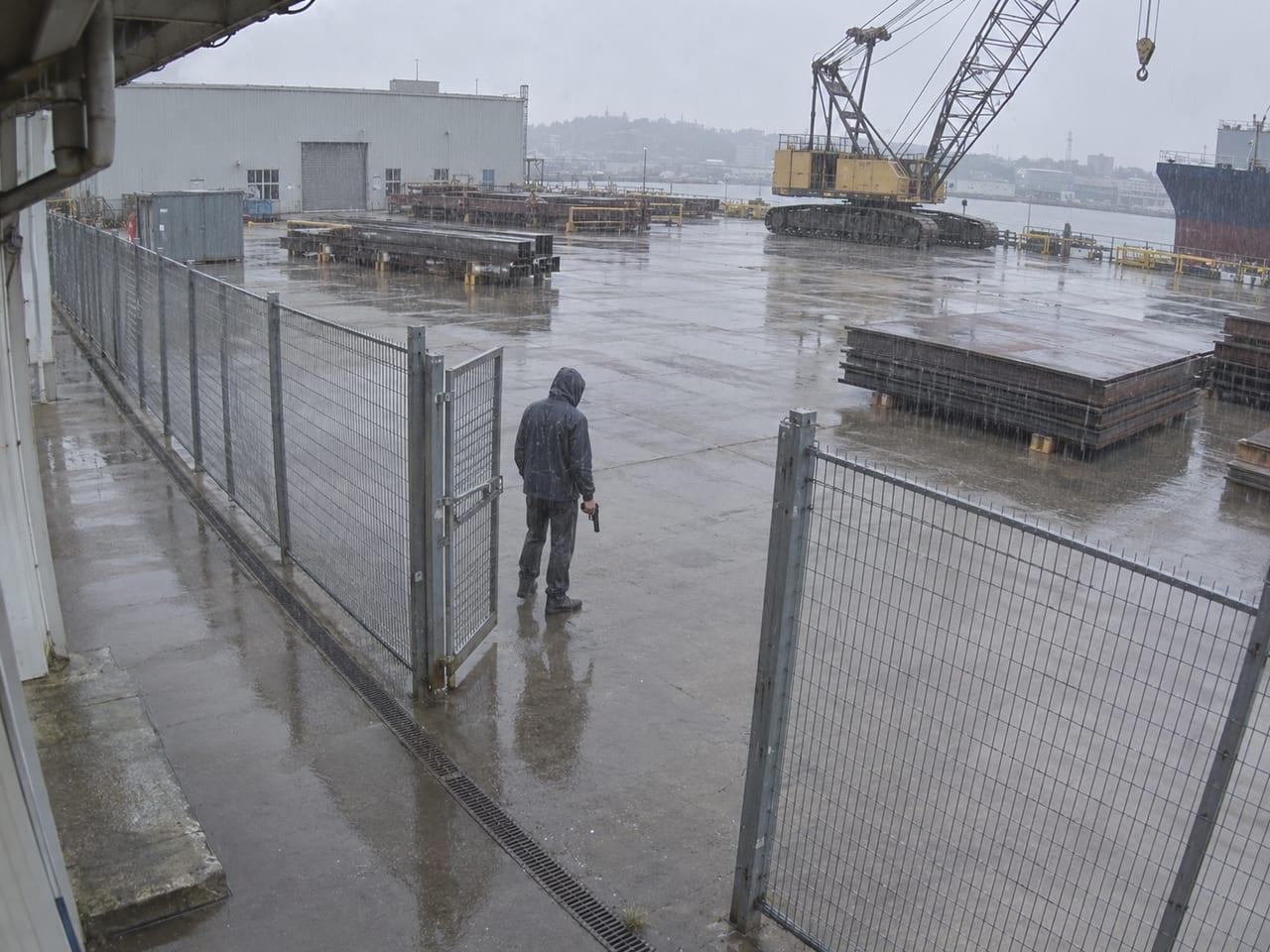
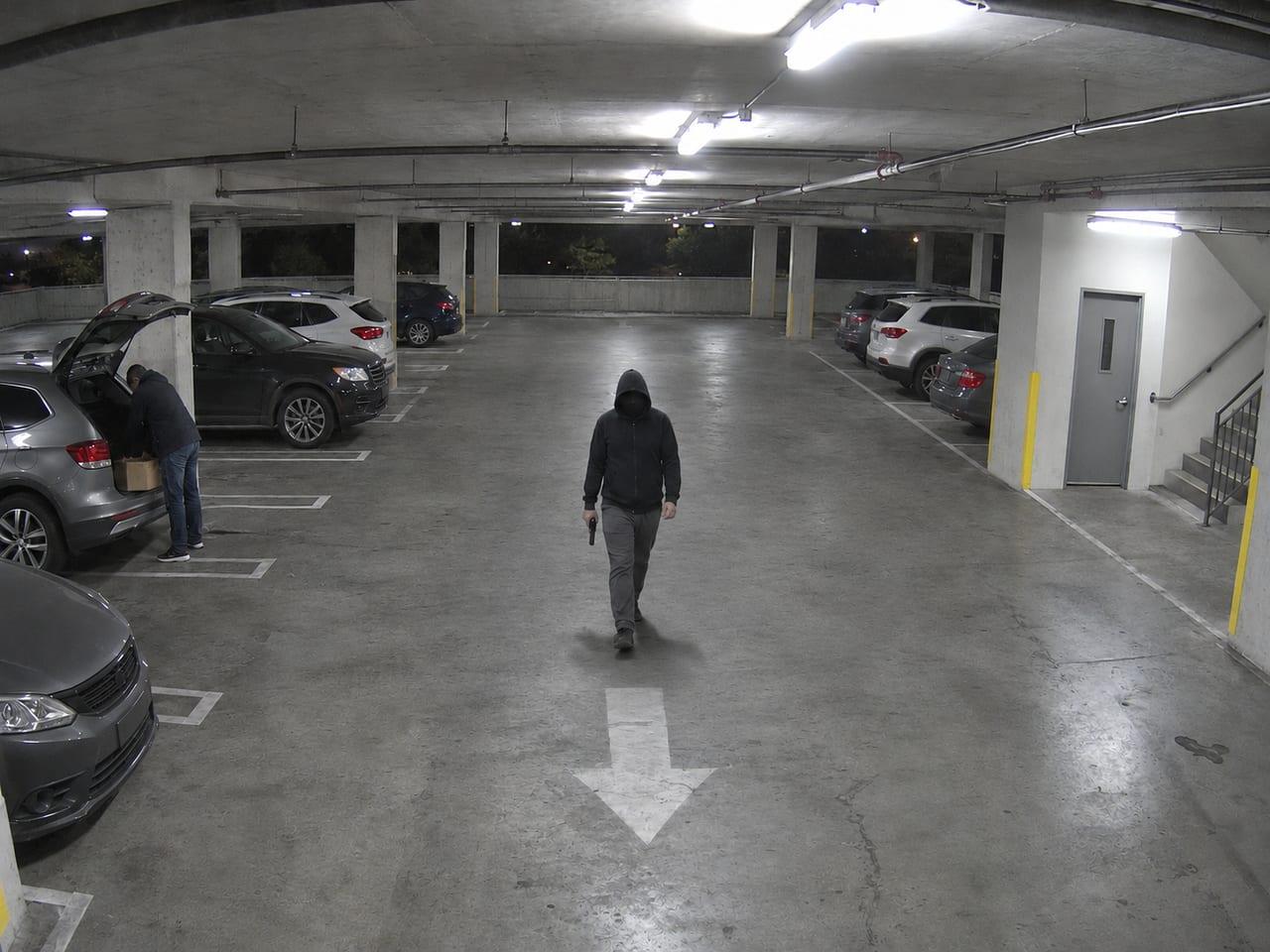
Ailytics watches the camera views covering your gates, perimeters, yards, and public areas, and flags a visibly brandished firearm or other dangerous object as it appears. Detection covers what the camera can see. It cannot see through clothing, bags, or vehicles.

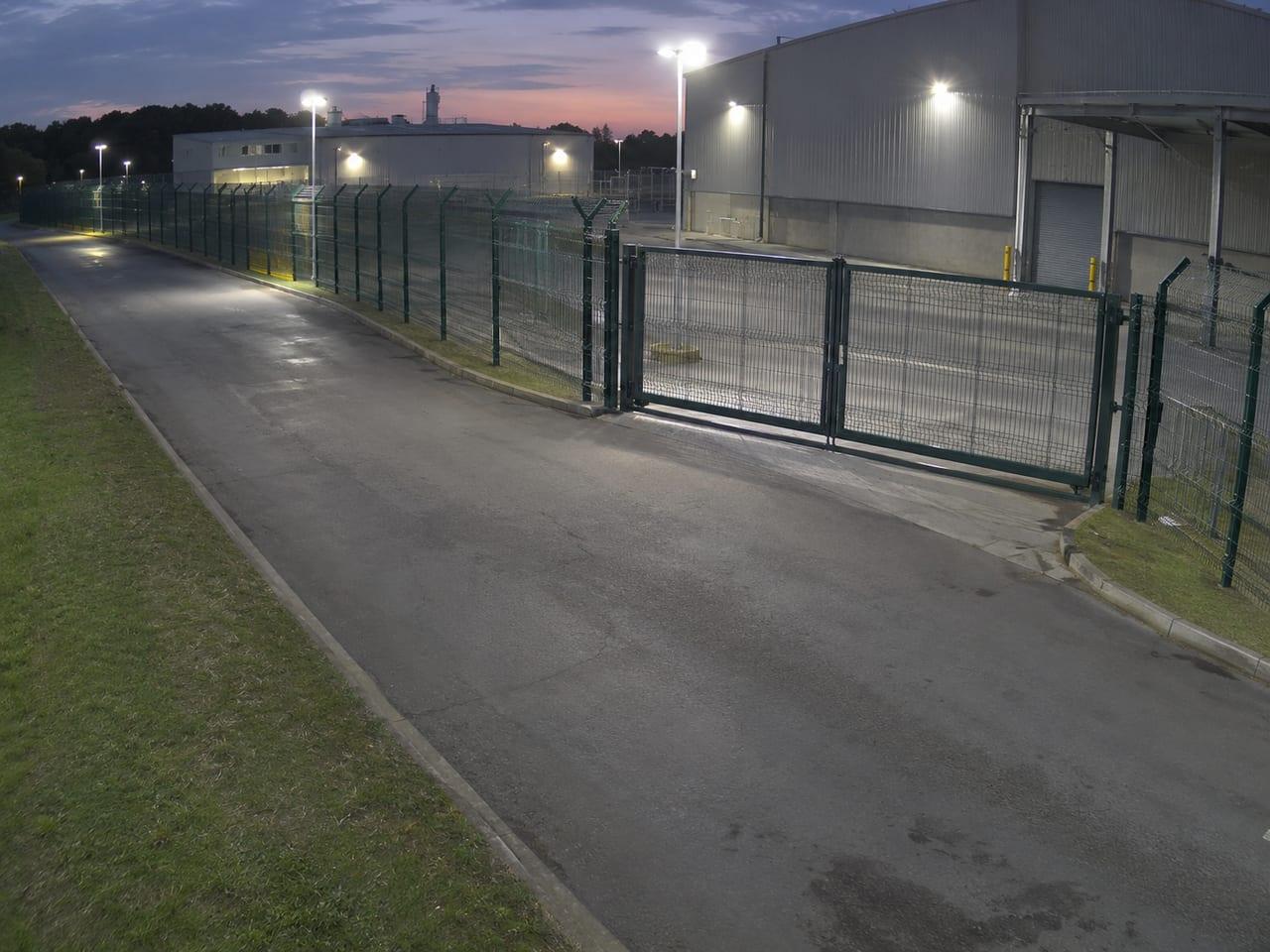
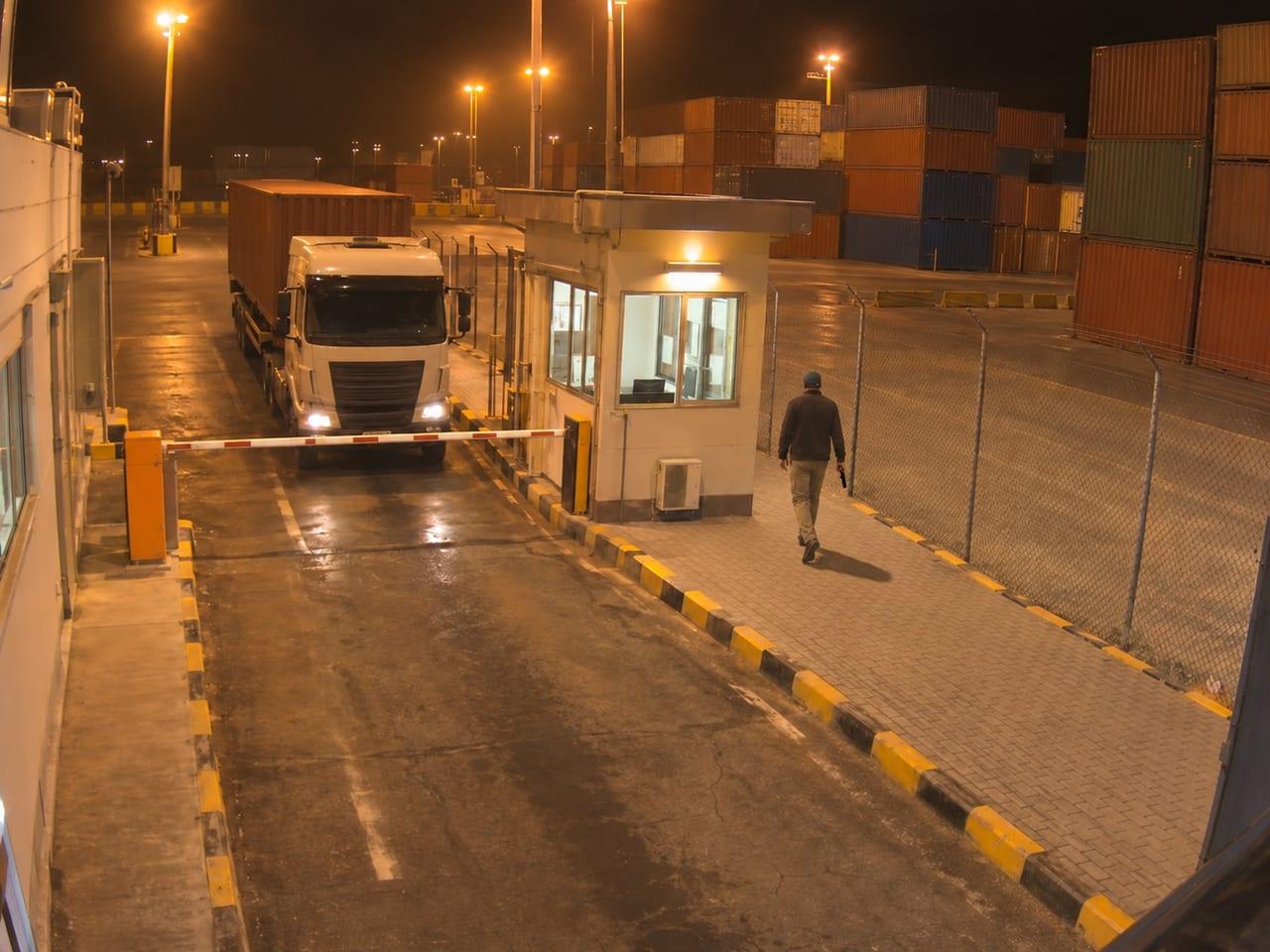
Illustrative night camera at a port truck gate: a truck waits at the barrier, and a person on foot beside the gatehouse holding a firearm low is flagged by Ailytics.Weapon detected
Cam 04 · Truck gate · Illustrative
Weapon detected · Cam 04Truck gate · sent to the security desk · 22:14
Verified by the operatorFrame, time and location attached · 22:14
Event logged for reviewAdded to the incident report and drill log
  1. Connect the cameras

    Connect the cameras already covering your gates, perimeters, yards, and public areas, and choose the views to watch.

  2. Detect a brandished weapon

    Flag a visibly brandished firearm or other dangerous object in the configured views.

  3. Notify with frame, time and location

    Send the security team the event evidence, so an operator can verify it and start the response.

  4. Log the event for review

    Keep each event for incident reviews, reporting, and response drills.

Weapon detection your security team can act on

Connect your cameras, choose the views and zones to watch, and give your security team alerts and evidence that fit the response plan they already have.

Detection

Flag a brandished weapon on camera

Ailytics flags a visibly brandished firearm or dangerous object in each configured camera view and captures the event frame. Set a grace period so the object has to stay in view across several frames before an alert fires. That filters out objects that look like a weapon for an instant, such as a phone held at an angle.

  • Firearms and dangerous objects
  • Configurable views and zones
  • Event frame captured

Response

Give security the evidence to respond

Notify your security team in real time with the event frame, time, camera, and location, so an operator can verify the threat and start the response. Cooldowns stop one person from sending repeat alerts, and the grace period holds each alert until the weapon has stayed in view.

  • Real-time alerts
  • Alert cooldowns
  • Frame, time, and location

Camera connection

Use cameras you already own

Connect existing IP cameras and compatible recording systems through RTSP or ONVIF, the standard way cameras and recorders from different brands share video. Detection needs the weapon to be large enough and lit well enough in the frame, so coverage is assessed for each camera view.

  • Existing IP cameras
  • RTSP and ONVIF connections
  • No camera replacement

Deployment

Keep video on your own network

Run the Ailyssa detection engine on edge devices, on-premise servers, or in the cloud. Edge and on-premise deployment keep video on your network, so your IT team can confirm where video is stored before rollout. Ailytics is ISO/IEC 27001 certified.

  • Edge, on-premise, or cloud
  • ISO/IEC 27001 certified
  • Video can stay on your network

Frequently asked questions

What is AI weapon detection, and what does it detect?

AI weapon detection uses computer vision on security camera video to spot a weapon as it appears. Ailytics watches your existing CCTV views, flags a visibly brandished firearm or other dangerous object, and notifies your security team with the frame, time, camera, and location. It is built for airports and other critical infrastructure, including ports and terminals, shipyards, energy sites such as substations and refineries, data centers, and industrial plants.

Can AI weapon detection find a concealed weapon?

No. Ailytics detects weapons the camera can see. It cannot see through clothing, bags, or vehicles, so a concealed weapon stays out of view until someone draws it. Weapon detection covers the seconds between a weapon being brandished and the first call for help, in the public areas, parking lots, gates, and yards that screening does not reach. Keep screening and access control in place at controlled entry points.

Will weapon detection work on the cameras we already have?

Yes. Ailytics connects to existing IP cameras and compatible recording systems through RTSP or ONVIF, the standard way cameras and recorders from different brands share video. You do not need to replace your cameras. Detection depends on the weapon being large enough and clear enough in the frame, so camera position, distance, and resolution decide which views give useful coverage. Bring representative camera views to the demo for an assessment of each one.

How accurate is AI gun detection, and how do you handle false alarms?

Accuracy depends on each camera's view, distance, and lighting, so the team assesses it per view at the demo. The models are conditioned for harsh conditions, including low light and rain, but the weapon still has to be visible and large enough in the frame. A grace period filters out lookalikes that appear for an instant, cooldowns stop repeat alerts, and every alert carries the event frame so an operator can verify it.

Can weapon detection video stay on our network?

Yes. The Ailyssa detection engine can run on edge, on-premise, or cloud infrastructure. With edge or on-premise deployment, video can stay on your network. Your IT and security teams can review video access, storage, network requirements, and how alerts reach operators before rollout. Ailytics is ISO/IEC 27001 certified, and it can blur faces and bodies while detection continues.

Can we combine weapon detection with other security checks?

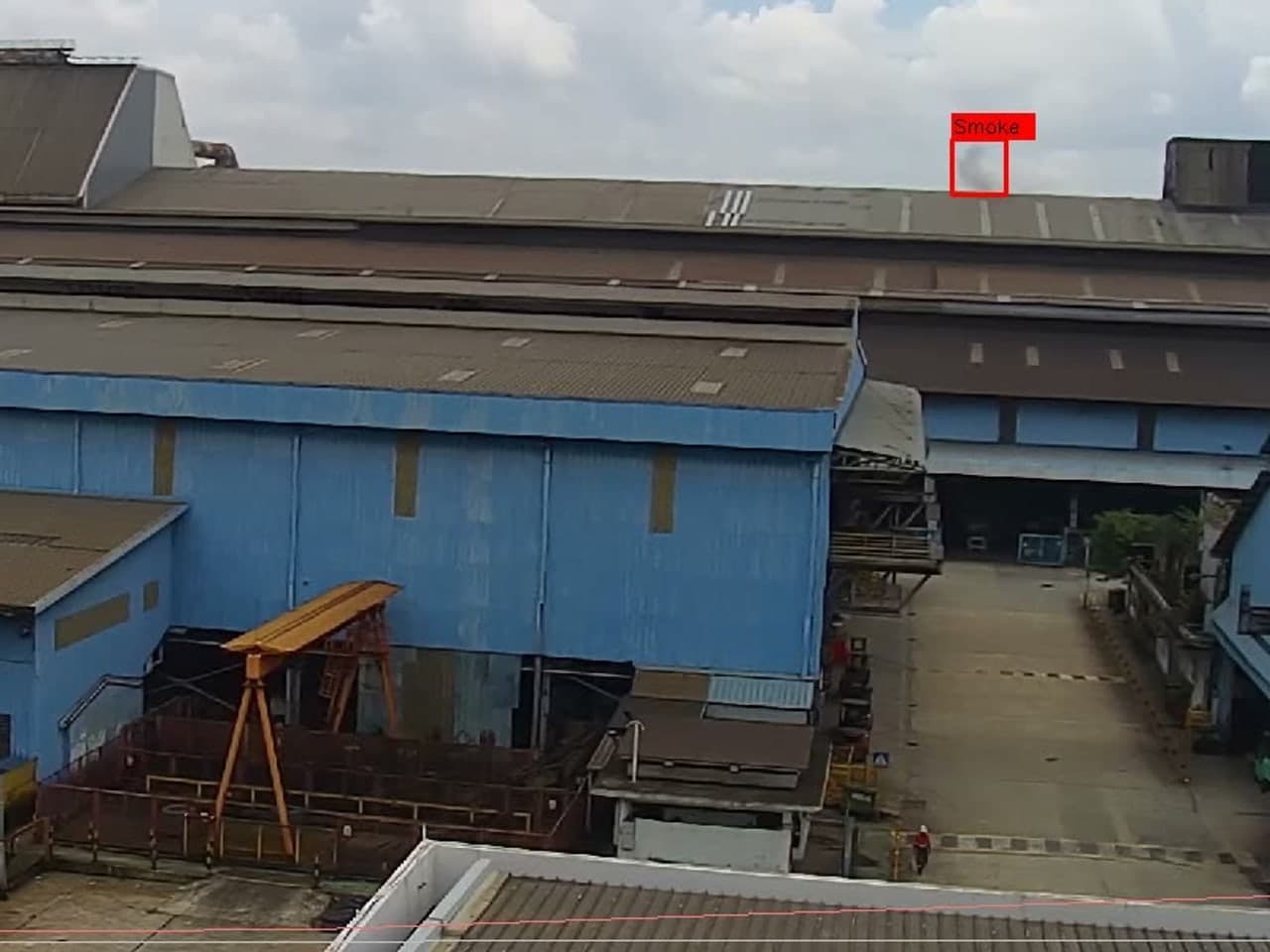
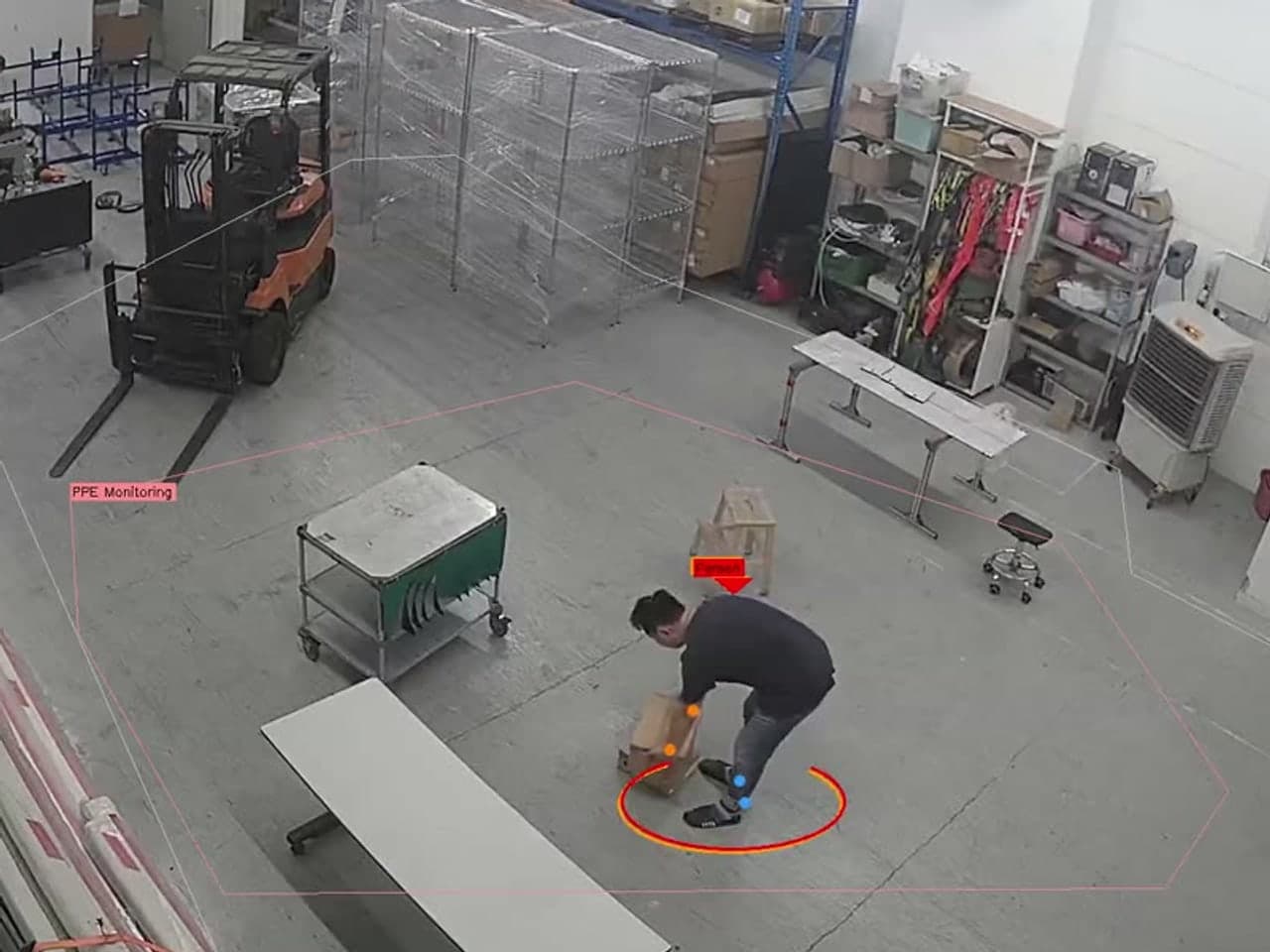
Yes. Weapon detection runs on the same cameras and alert queue as Ailytics' other detections, including restricted and no-access zones, access breaches, loitering detection, vehicle detection, fire and smoke, and license plate capture. An AI security guard covers after-hours zones and fence lines on the same cameras, and industrial sites can add PPE detection. Ailytics has 50+ configurable use cases, and you can build custom ones for site-specific rules.

What happens after a weapon alert fires?

The alert reaches your security team on phone or dashboard with the event frame, time, camera, and location. An operator checks the frame, confirms the threat, and starts your site's response plan. At substations, refineries, shipyards, and terminals, where responders meet high-voltage equipment, flammable material, or moving machinery, that plan can set safe routes and holding points. Each event is logged for incident review, reporting, and response drills.

How long does weapon detection take to deploy?

Many sites go live in under 2 weeks on existing cameras. The timeline depends on the number of cameras, where detection runs, and your IT approval process, which can take longer at airports and ports. Start with the views covering your most exposed areas, then add cameras and detections from there.

See AI weapon detection on your site

Bring your CCTV views and the gates, parking lots, and public areas you most need covered. See what Ailytics can detect at your camera distances and in your lighting.

Request a demo