


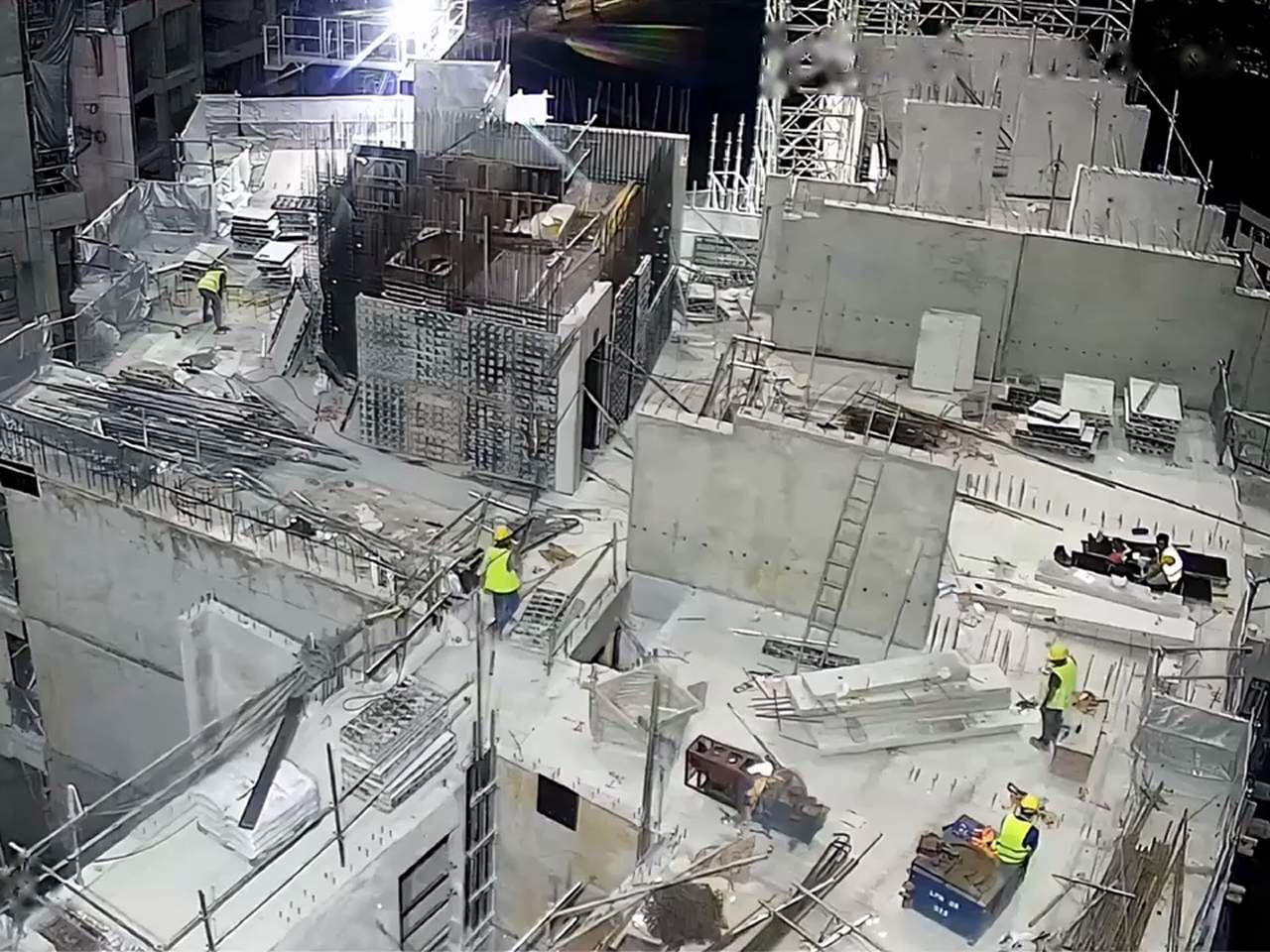
Construction safety and productivity

AI video analytics for construction adds site safety monitoring to existing CCTV, detecting hazards through rain, dust, and low light.

Live in under 2 weeks on your existing cameras.

Trusted on 400+ projects worldwide

  • Changi Airport Group
  • Woh Hup
  • DHL
  • Obayashi
  • Laing O’Rourke
  • Land Transport Authority
  • Rogers-O’Brien Construction
  • NatSteel
  • 60–80% reduction in safety non-compliance
  • 50+ configurable safety, security and productivity use cases
  • <2 weeks to go live on the cameras you already own

What can happen between site inspections?

Changing work areas, moving equipment, and multiple crews leave safety teams with more ground than they can watch.

Monitor construction risks across existing cameras

Ailytics connects to existing CCTV and detects hazards through rain, dust, and low light. Combine safety warnings, restricted-area alerts, workforce tracking, and progress views, with edge, on-premise, or cloud deployment.

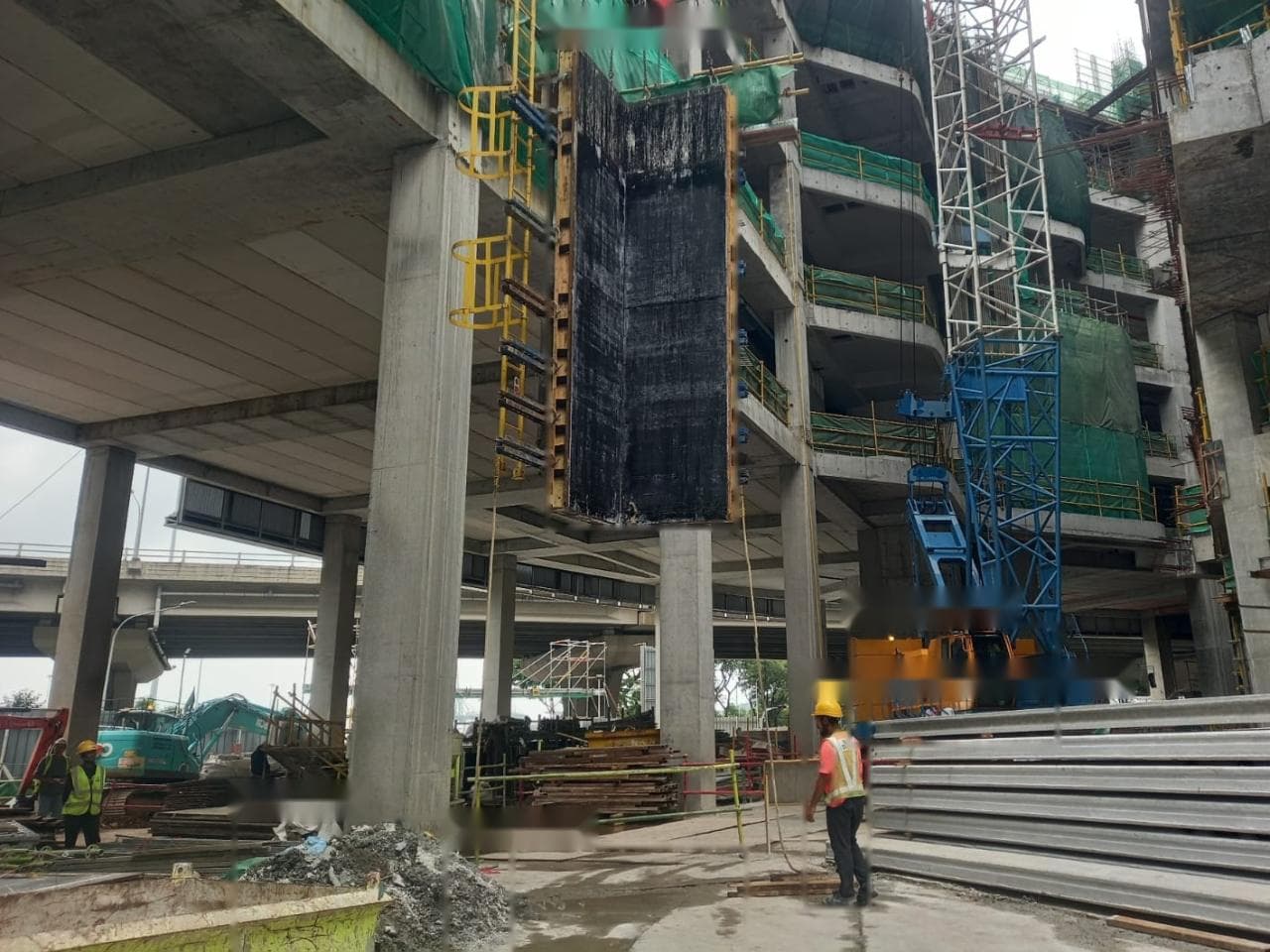
Camera over a building under construction: a worker on an upper floor near an unguarded edge.Worker near open edge
Cam 11 · Level 4
Worker near open edge · Cam 11Level 4 · sent to the site team · 09:41
Edge barricadedArea made safe · checked 09:58
31 hazard events this weekAcross 4 work areas, in the weekly report
  1. Detect the hazard

    Watch configured camera views for missing PPE, workers near machinery and unsafe access beneath suspended loads.

  2. Warn the site team

    Send supervisors the camera frame, time and location while the event is happening.

  3. Act on the evidence

    The supervisor reviews the alert and follows site procedures to address the hazard.

  4. Review and report

    Use recorded events in toolbox talks, safety reviews and reports across your projects.

Coverage for your construction site

Choose detections that match your crews, lifting operations, and work areas. Use the same camera network for safety monitoring and site records.

Safety

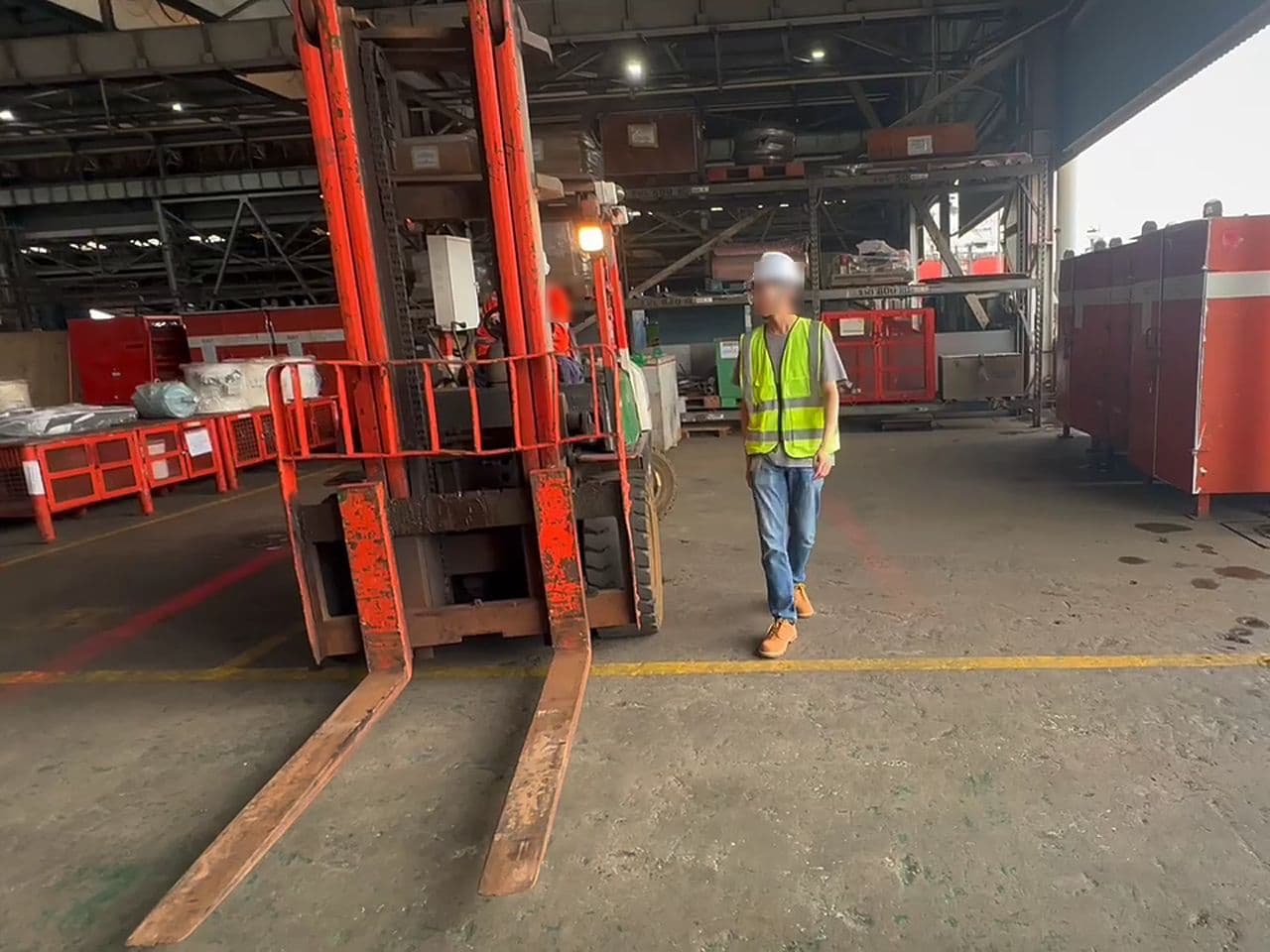
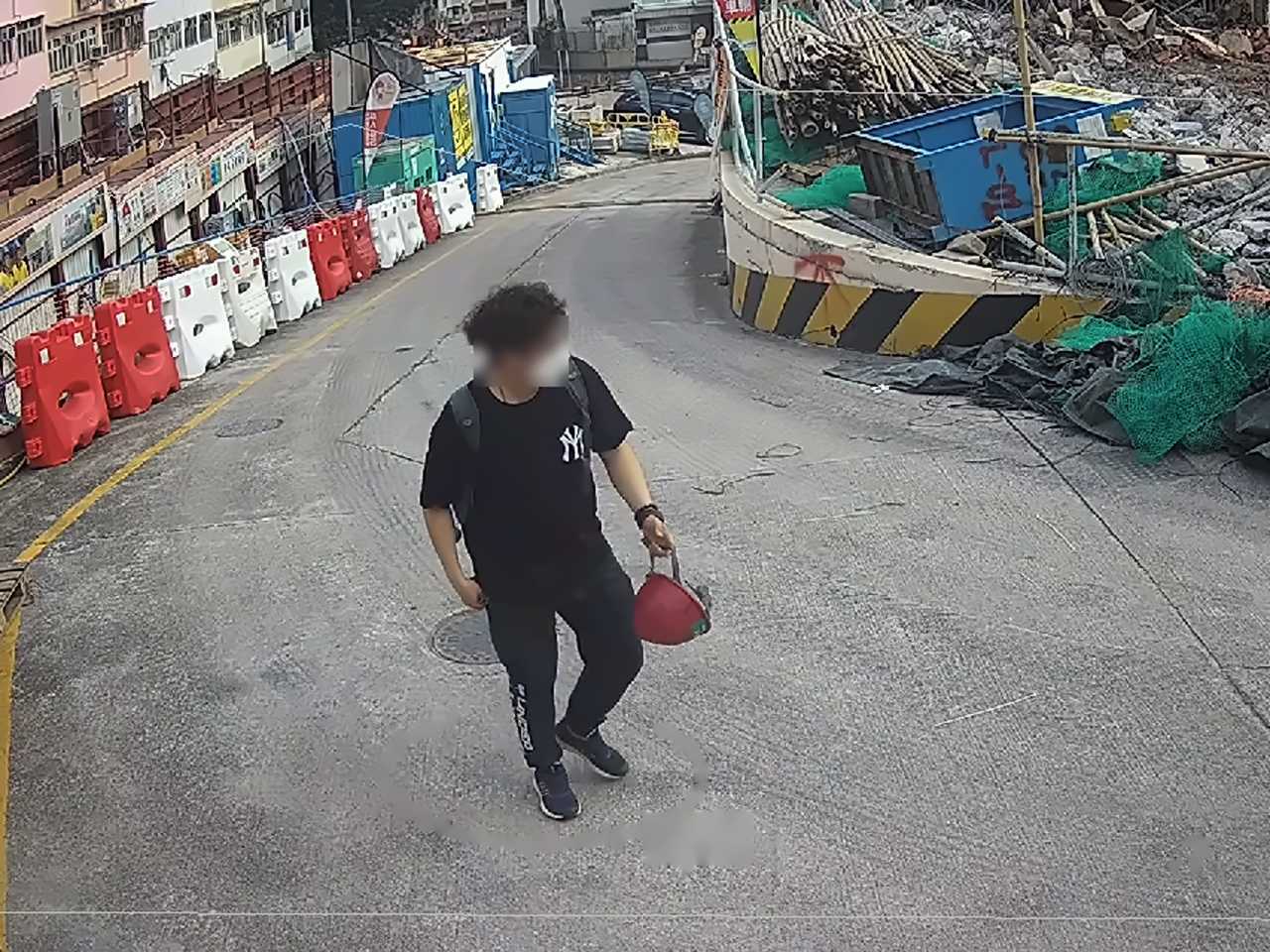
Catch missing PPE during work

Detect missing hard hats, vests, and gloves across monitored work areas. Give supervisors evidence of non-compliance while work is happening, with an event frame, time, and location.

  • Hard hat detection
  • Vest and glove checks
  • Time and location evidence

Safety

Warn before workers approach machinery

Watch for workers moving too close to active machinery and vehicles. Help supervisors identify struck-by risks around excavators, delivery routes, and shared work areas.

  • Worker proximity warnings
  • Active machinery monitoring
  • Vehicle interaction alerts

Safety

Spot workers beneath suspended loads

Detect people beneath suspended crane loads during lifting operations. Alert the site team with the event evidence so they can intervene and review unsafe access.

  • Suspended load detection
  • Worker exposure alerts
  • Evidence for incident review

Security

Catch entry into restricted areas

Monitor restricted areas around hazardous work, equipment, and site access points. Alert supervisors when someone enters a defined zone so they can check the event and respond.

  • Configurable restricted zones
  • Unauthorized access alerts
  • Event frames for review

Productivity

Track worker productivity and idle time

See how much of each shift the workers in a monitored area spend working and how much they spend idle. Give project teams camera-based working and idle totals to support labour planning, crew discussions, and billing reviews.

  • Working and idle time per shift
  • Idle totals by work area
  • Records for planning and billing

Progress

Review how work areas change

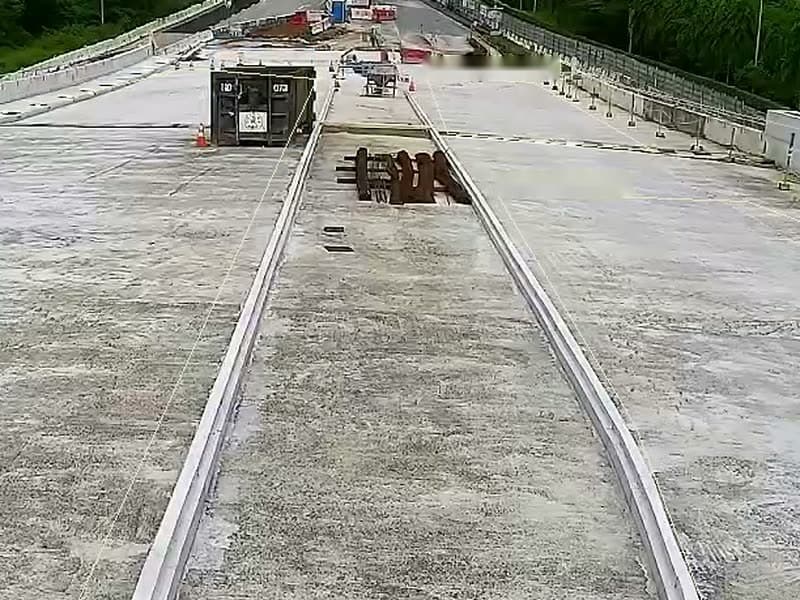
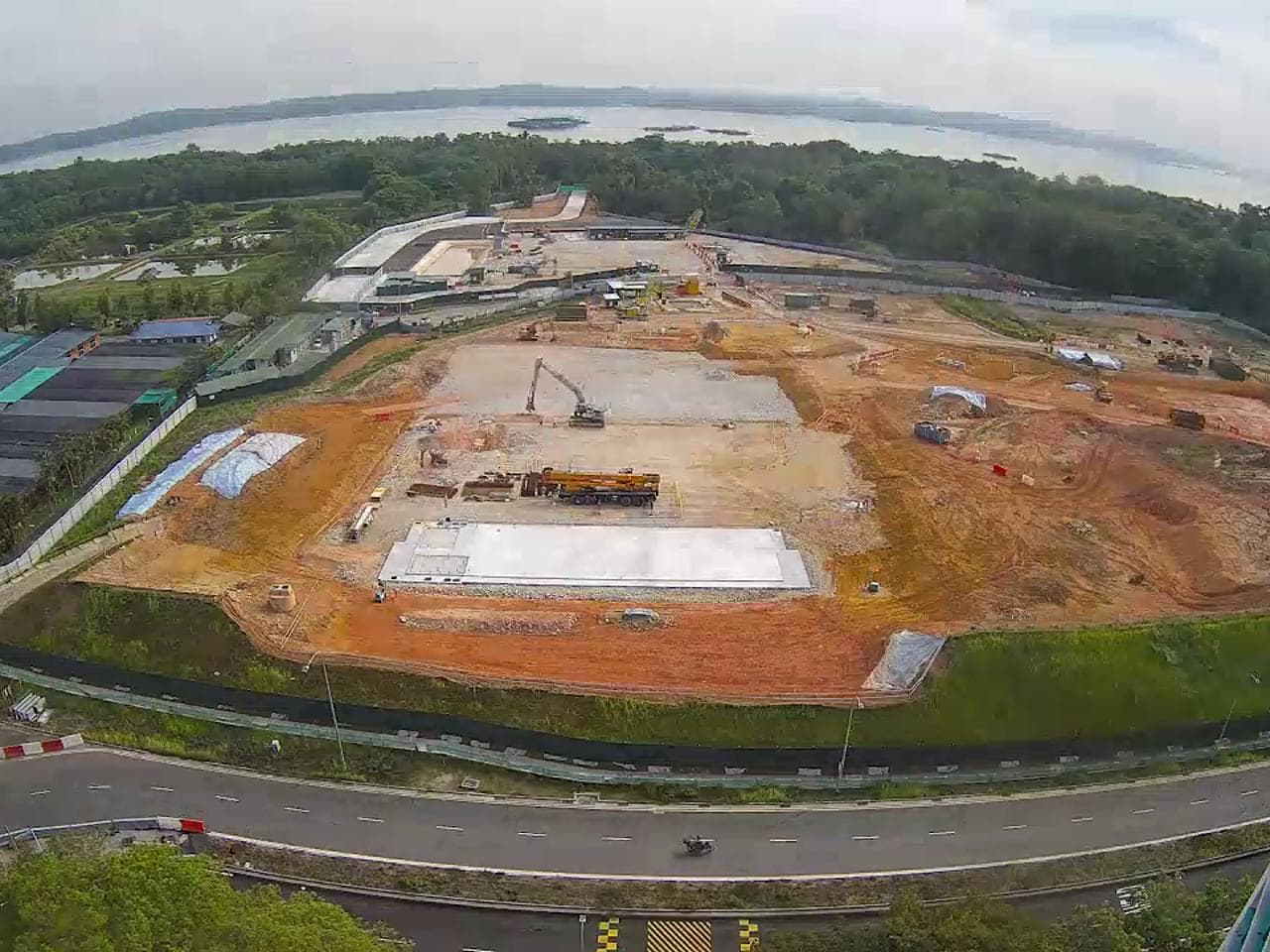
Use timelapse and spot-comparison X-ray views to review visible changes across construction work areas. Bring camera records into progress discussions alongside your existing project reporting.

  • Construction timelapse views
  • Before and after comparisons
  • Visual records of changes

Frequently asked questions

Do we need new cameras for construction safety AI?

Ailytics connects to existing IP cameras and compatible recording systems through RTSP or ONVIF, which are methods for connecting to video feeds. You can use your current CCTV rather than replace the camera network. During a demo, discuss camera positions and the work areas you want monitored so the team can assess coverage for your selected hazards.

What PPE can Ailytics detect on a construction site?

Ailytics detects missing hard hats, vests, and gloves in monitored camera views. Supervisors receive an event frame, time, and location to help them review the issue and respond. Camera placement and visibility matter, so discuss the PPE items and work areas you need covered. See the PPE detection page for more detail.

Does construction site monitoring work in rain, dust, and low light?

Ailytics is built for the rain, dust, and low light found on working construction sites. Its detection models are designed for these harsh conditions. Results still depend on what each camera can see, including obstructions and the size of people or equipment in the frame. Share representative footage to assess your site's conditions and coverage.

Can construction footage stay on our own network?

Yes. The Ailyssa detection engine supports edge, on-premise, and cloud deployment. An on-premise setup allows data to stay on-site, while the available deployment options help address your project's data-residency and latency requirements. Ailytics is ISO/IEC 27001 certified. Your IT team can discuss video storage, access, and network requirements during the sales process.

Can we monitor safety and productivity across multiple construction sites?

Yes. Ailytics provides a multi-camera, multi-site map dashboard. Construction teams can select relevant safety detections alongside worker idle-time tracking, machinery-usage tracking, and timelapse or spot-comparison progress views. This gives project and operations teams a shared place to review monitored activity. Each site's selected use cases should reflect its camera coverage, work areas, and operating risks.

Can we configure detection for our construction site's hazards?

Ailytics offers 50+ configurable pre-built use cases and a custom use-case builder. Construction teams can select detections for missing PPE, open edges, suspended loads, machinery proximity, and restricted areas, among others. Bring your site rules and representative footage to the demo. The team can assess which existing detections fit and where a custom scenario needs further review.

See Ailytics on your construction site

Show us your camera setup and priority hazards. Explore the detections, deployment options, and site records that fit your project.

Request a demo