




Ailytics raises US$7.4M Series ARead more

Data center security video analytics on your existing CCTV

Data center security video analytics alerts your team to restricted-area entry, loitering, unattended objects and smoke, using the cameras you already own.

Live in under 2 weeks on your existing cameras.

Trusted on 400+ projects in 15 countries

  • Changi Airport Group
  • Woh Hup
  • DHL
  • Obayashi
  • Laing O’Rourke
  • Land Transport Authority
  • Rogers-O’Brien Construction
  • NatSteel
  • 60–80% reduction in safety non-compliance
  • 50+ configurable safety, security and productivity use cases
  • <2 weeks to go live on the cameras you already own

What do data center cameras miss?

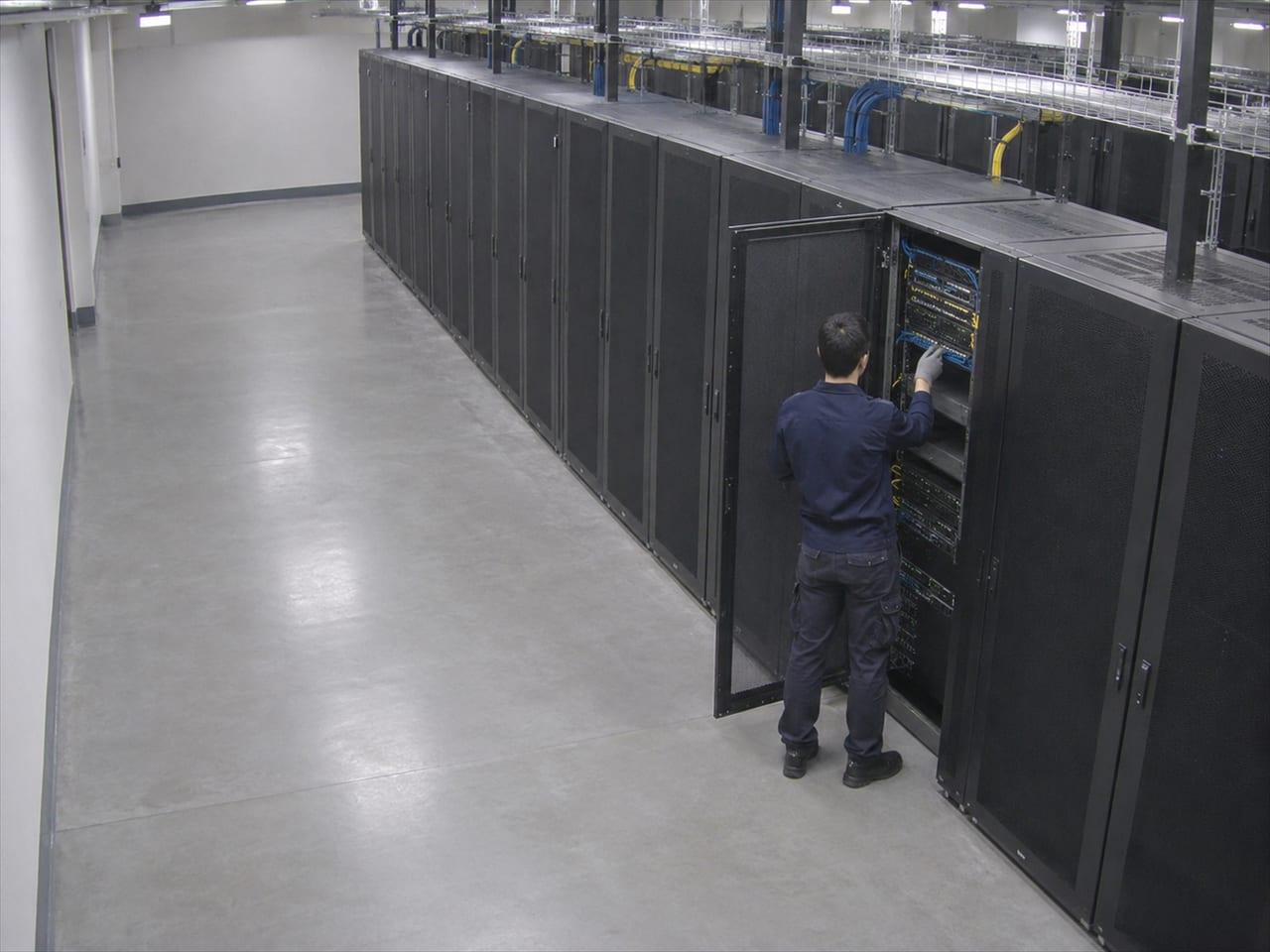
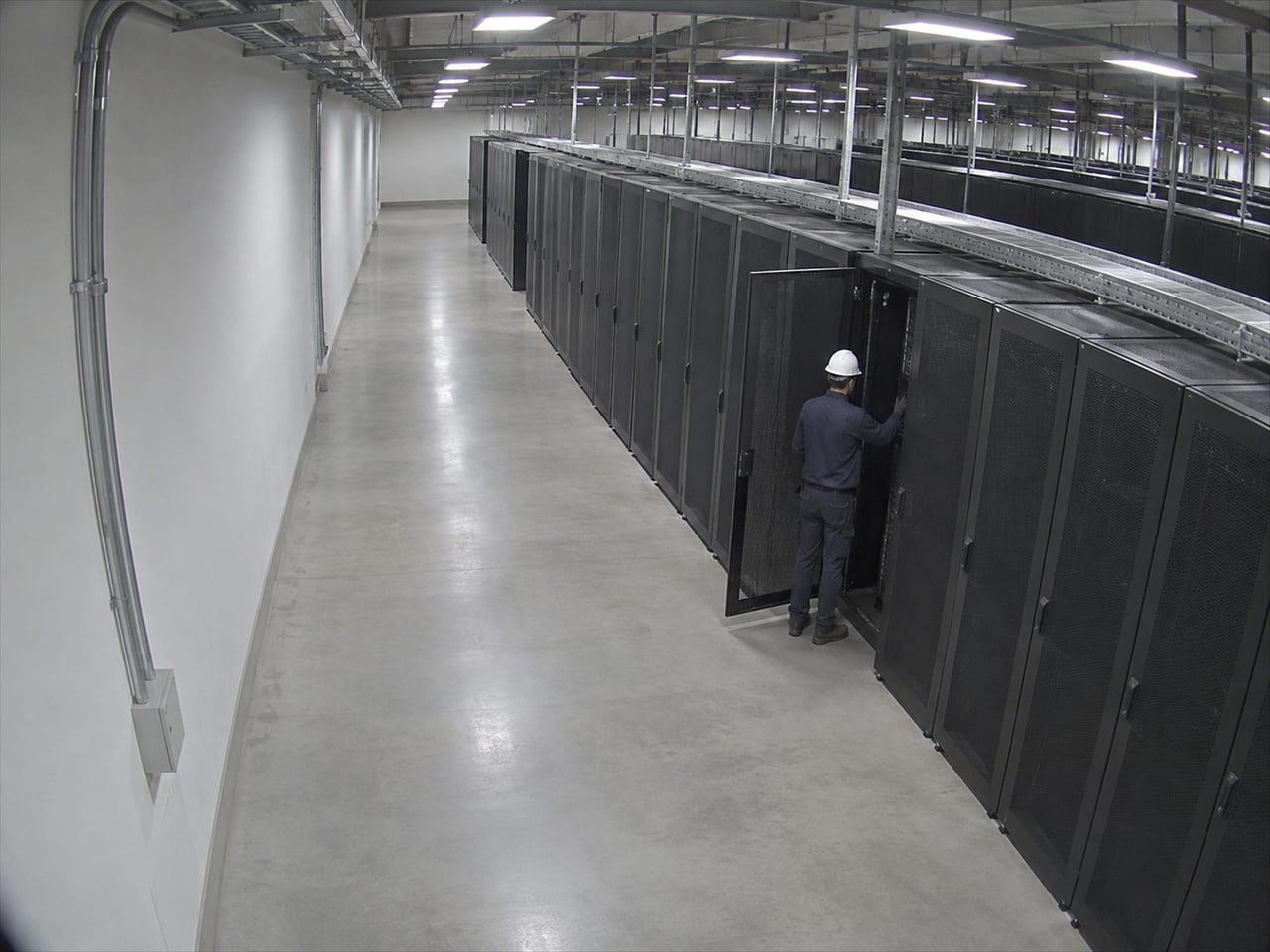
A data center has cameras on every door and aisle, and a small security team to watch them. Most footage is only opened after an incident.

Security and safety alerts from your data center's cameras

Ailytics connects to the CCTV already installed across your facility. It watches the camera views you choose for restricted-area entry, loitering, unattended objects, smoke and missing PPE, and sends the security team an alert with the frame, time and location. Run it on the edge or on-premise so video stays on your network.

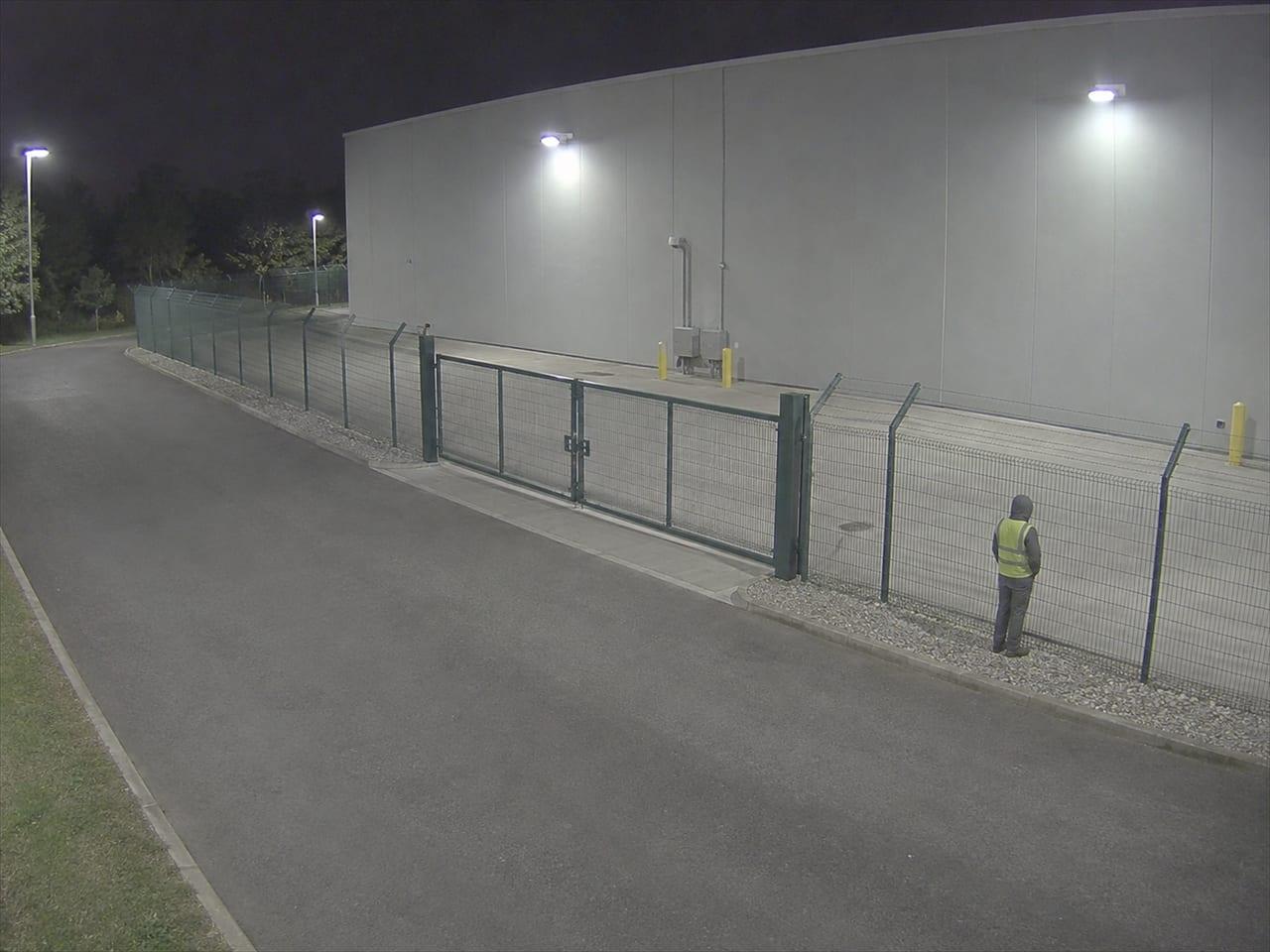
Night-time perimeter camera outside a data center: a person standing at the security fence beside a vehicle gate, flagged by Ailytics for staying past the time limit.Loitering · 6 min
Cam 01 · Perimeter fence
Loitering at the fence · Cam 01Perimeter fence · 6 minutes in view · 23:35
Sent to the security control roomFrame, time and location attached · 23:35
7 perimeter events this weekAcross 3 perimeter cameras, in the weekly report
  1. Detect the event

    Watch configured camera views for restricted-area entry, loitering at gates and docks, unattended objects, smoke and missing PPE.

  2. Warn the security team

    Send the control room the camera frame, time and location while the event is happening.

  3. Act on the evidence

    The operator reviews the alert and follows site procedures, such as sending a guard to the area.

  4. Review and report

    Use recorded events in security reviews, contractor briefings and audit reports across your facilities.

AI video surveillance for data centers, from the gate to the data hall

Choose the detections that match each camera view. Every event is recorded with evidence for review and audit.

Security

Know when someone enters a restricted area

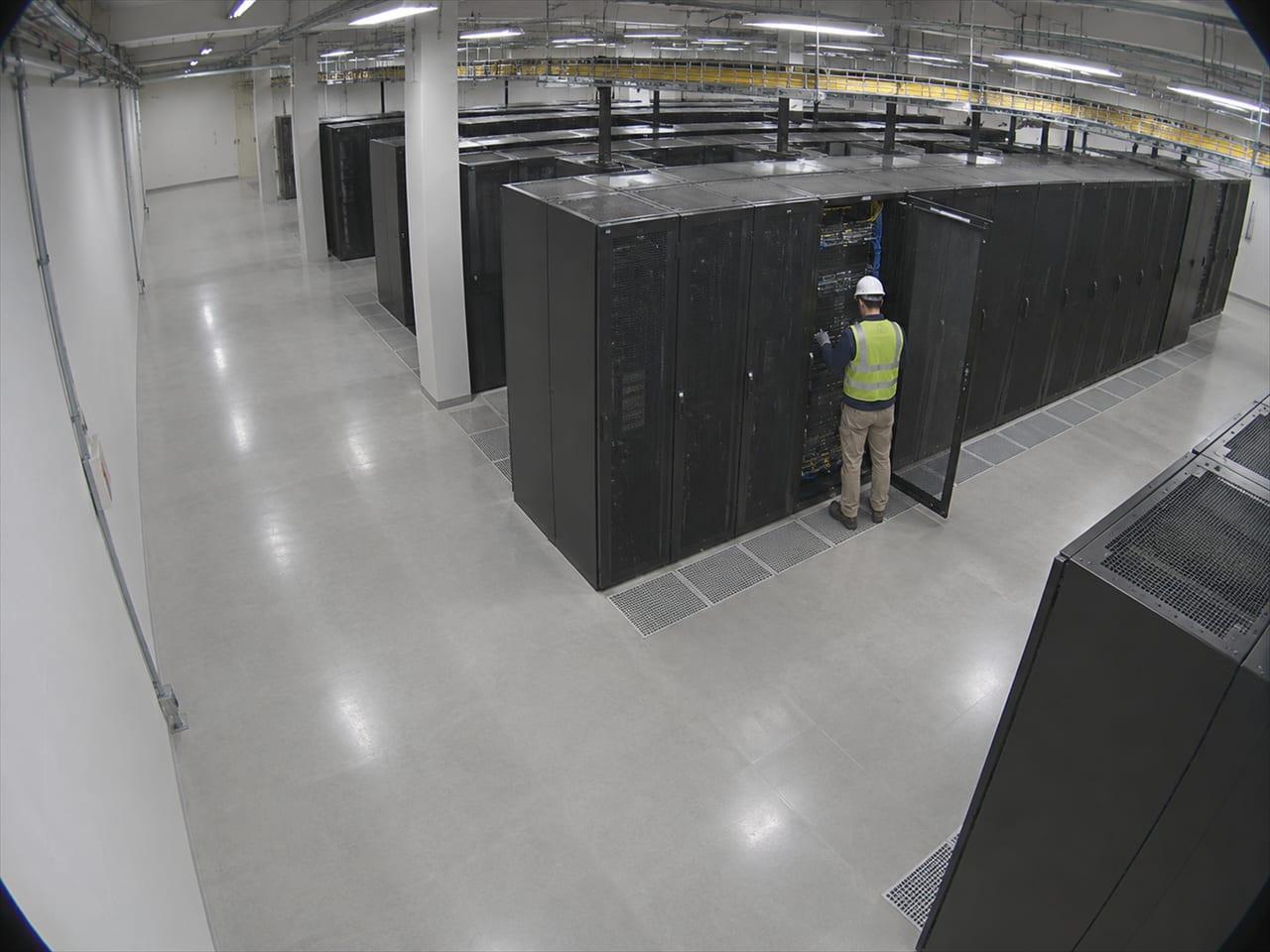
Draw restricted zones over a camera view, such as a caged area, a plant room or a rooftop. Ailytics alerts the security team when a person steps inside, with alert timing you set for each zone.

  • Zones you draw on the camera view
  • Alert timing set by zone
  • Event frames for review

Security

Flag loitering and unattended objects

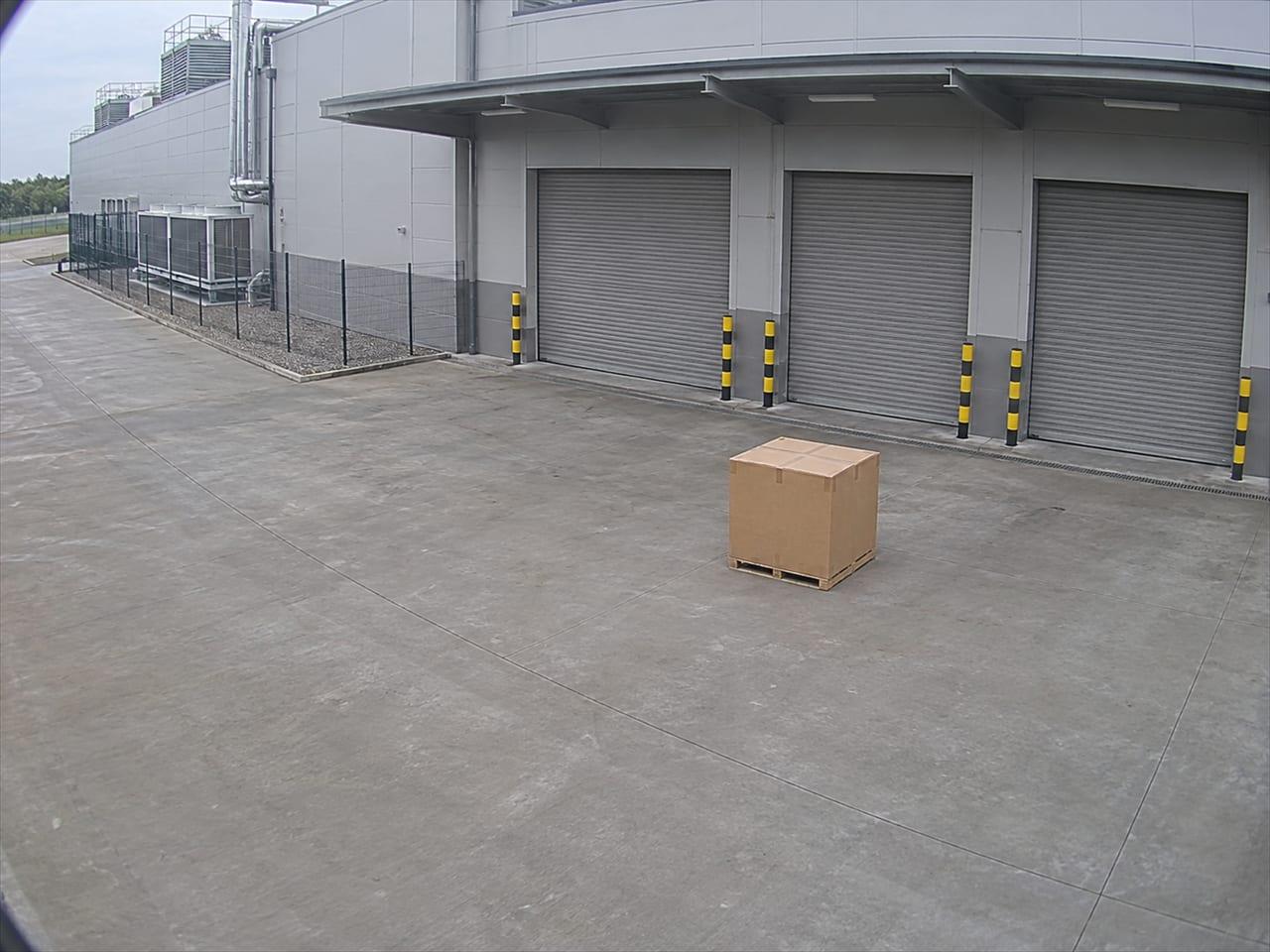
Set a time limit for a gate, fence line or loading dock. Loitering detection alerts the team when a person stays past it, and an unattended object alert does the same for a crate or bag left behind. Operators get the camera frame and location, so they can send the nearest guard.

  • Time limits you set
  • Unattended object alerts
  • Frame and location with every alert

Security

See when a room has more people than it should

Set a head-count limit for a zone, such as a data hall aisle or a plant room. Ailytics counts the people in view and flags the zone when the count passes the limit.

  • Head-count limits by zone
  • People counted in the camera view
  • Event frames for review

Safety

Spot smoke and fire early

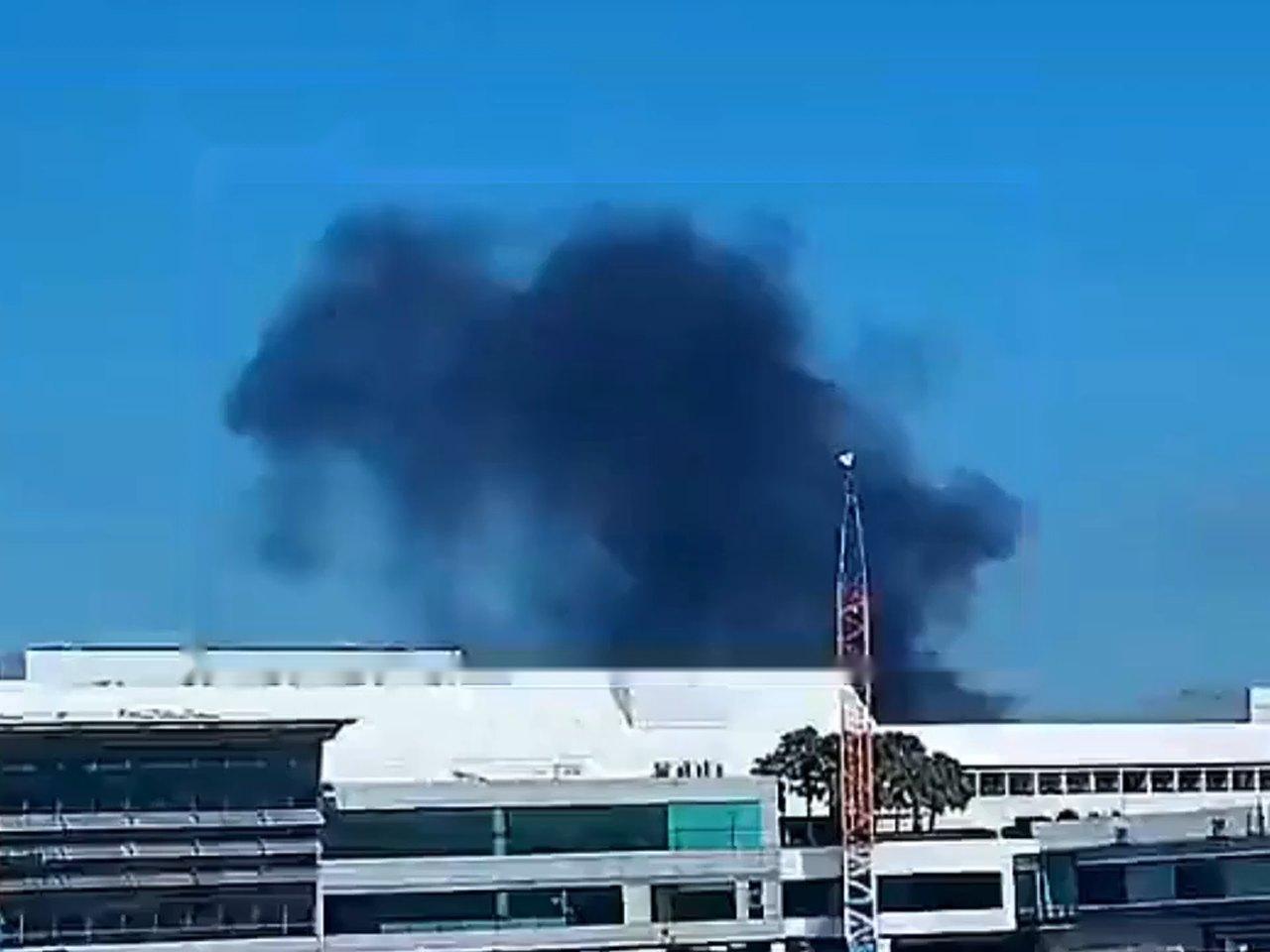
Detect visible smoke and fire in monitored camera views, such as loading docks, stores and generator yards. The alert arrives with the camera frame, so the team can check the area quickly. It works alongside your fire detection systems.

  • Smoke detection
  • Fire detection
  • Camera frame with every alert

Safety

Check contractor PPE during fit-outs and maintenance

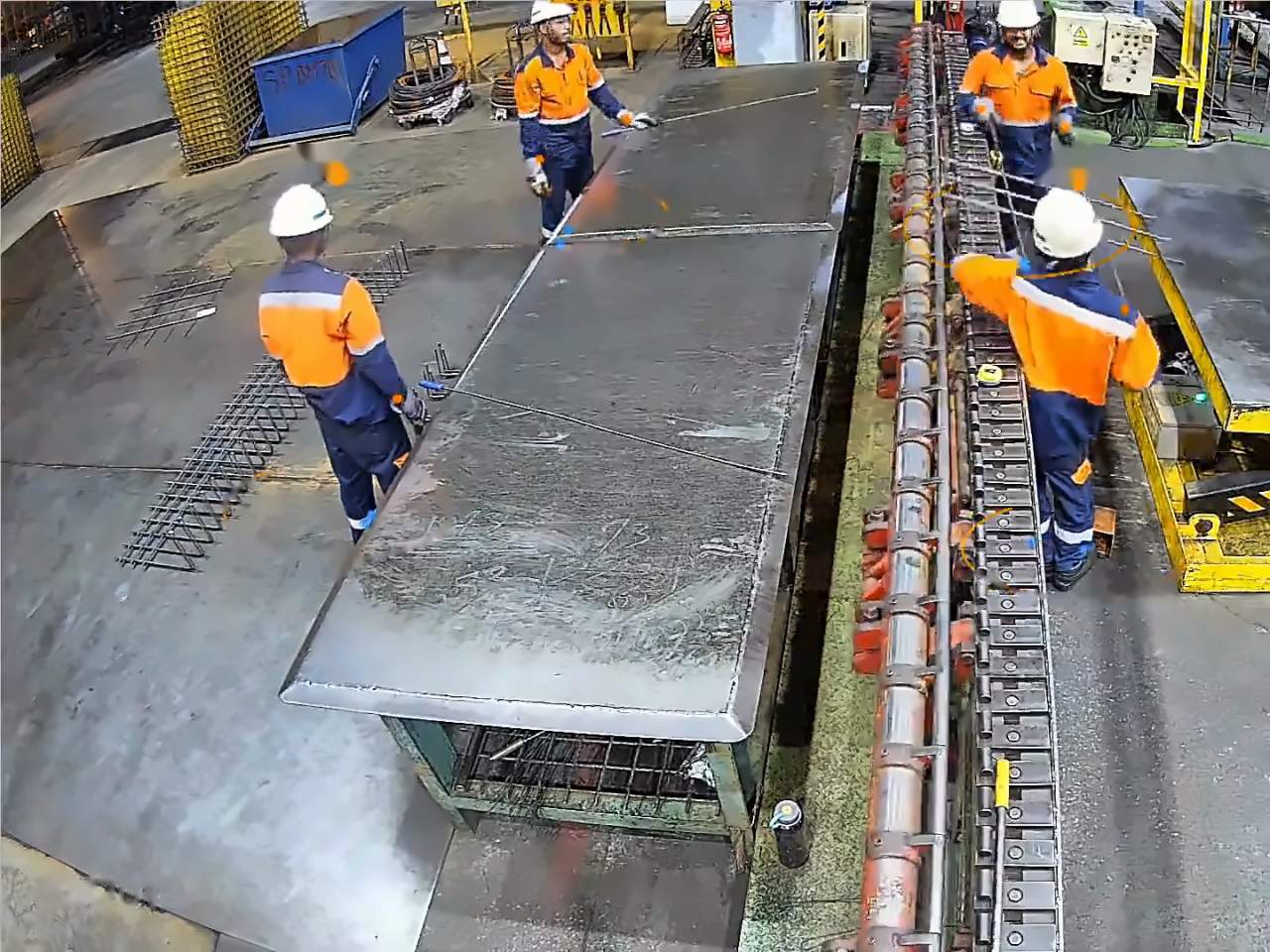
Detect missing hard hats, vests and gloves in monitored work areas. Supervisors get the event frame, time and location to follow up with the contractor, and you can see which areas slip most often.

  • Hard hat, vest and glove checks
  • Evidence for contractor follow-up
  • Trends by work area

Deployment

Keep video on your own network

The Ailyssa detection engine runs on the edge, on-premise or in the cloud. With an edge or on-premise setup, video stays on site, which helps you meet data-residency and security requirements.

  • Edge, on-premise or cloud
  • Video can stay on site
  • ISO/IEC 27001 certified

Reporting

See every facility in one view

The multi-site dashboard shows each site on a map with its score, cameras and 30-day trend. Security and operations leaders can compare facilities and open any site for detail.

  • Every site on one map
  • Score and trend for each site
  • Open any site for detail
The Ailytics Global View: sites on a map with an overall safety score, and a selected site opened to show its safety score, cameras and 30-day trend.

Frequently asked questions

Do we need new cameras for data center video analytics?

Ailytics connects to existing IP cameras and compatible recording systems through RTSP or ONVIF, which are methods for connecting to video feeds. You can use your current CCTV rather than replace the camera network. During a demo, discuss camera positions and the areas you want monitored so the team can assess coverage for your selected use cases.

What can AI video analytics for data center security detect?

Common detections include people in restricted areas, loitering at gates and docks, unattended objects, rooms with more people than their limit, visible smoke and fire, and missing PPE on contractors. Ailytics offers 50+ configurable pre-built use cases, so you choose the detections that fit each camera view. For the perimeter after hours, see AI security guard. The same cameras can also flag a brandished firearm with AI weapon detection.

Does Ailytics use facial recognition?

No. Ailytics detects people, vehicles, objects and unsafe behaviour in the camera view. It does not identify individuals, and faces can be blurred in the platform so people stay anonymous.

Can data center footage stay on our own network?

Yes. The Ailyssa detection engine supports edge, on-premise, and cloud deployment. An on-premise setup allows data to stay on-site, while the available deployment options help address your data-residency and latency requirements. Ailytics is ISO/IEC 27001 certified. Your IT team can discuss video storage, access, and network requirements during the sales process.

Does Ailytics replace our access control or video management system?

No. Ailytics connects to your cameras and compatible recording systems, and adds detection and alerts on top. Your access control and video management systems stay in place. Discuss the systems you use during the demo so the team can confirm how Ailytics would connect.

Can Ailytics monitor data center construction and fit-out work?

Can we configure detection for our data center's rules?

Ailytics offers 50+ configurable pre-built use cases and a custom use-case builder that combines detections, zones and alert timing. Bring your site rules and representative footage to the demo. The team can assess which existing detections fit and where a custom scenario needs further review.

See Ailytics on your data center cameras

Show us your camera setup and the areas you most want watched. We will show you the detections and reports that fit your gates, docks, plant rooms and data halls.

Request a demo